Eleven Dollars Apart, Worlds Away
The Bambu Lab A1 Mini retails for $249. The Elegoo Neptune 4 Pro is $260. On paper, that’s a rounding error. In practice, you’re choosing between two completely different philosophies about what a budget 3D printer should be.
The A1 Mini is Bambu’s entry point: fully assembled, load-cell auto-leveling, a polished slicer, and a camera built in. It’s designed so that someone who has never touched a 3D printer can unbox it, run a print, and feel like a genius within an hour. The Neptune 4 Pro is Elegoo’s answer to the tinkerer crowd: genuine Klipper firmware, a dual-gear direct drive extruder, 20,000mm/s² acceleration, and a 225×225×265mm build volume that makes the A1 Mini’s 180mm cube look cramped. It requires partial assembly and some willingness to poke around in config files.
Neither is a bad printer. But buying the wrong one for your workflow will frustrate you within a week.
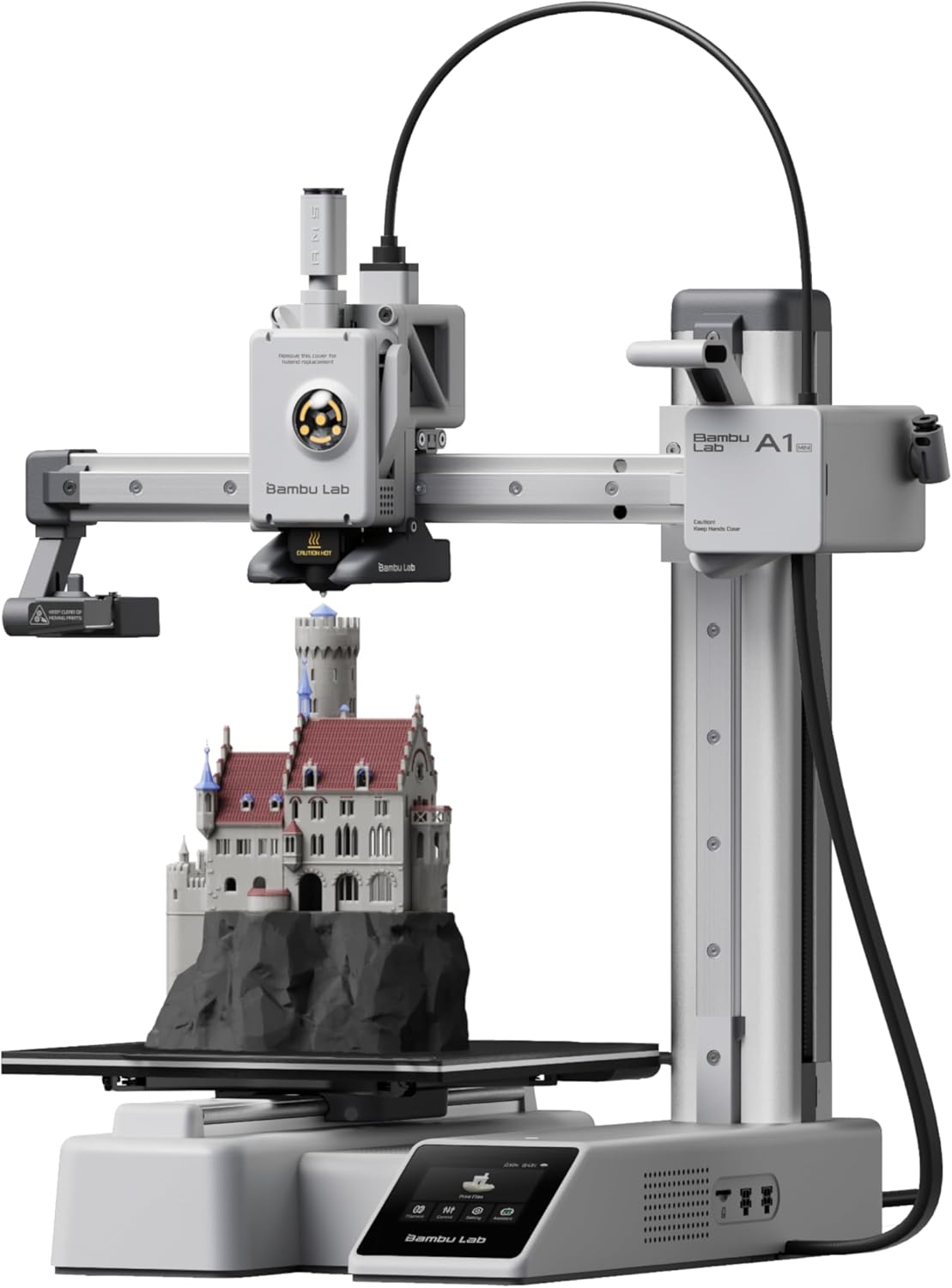
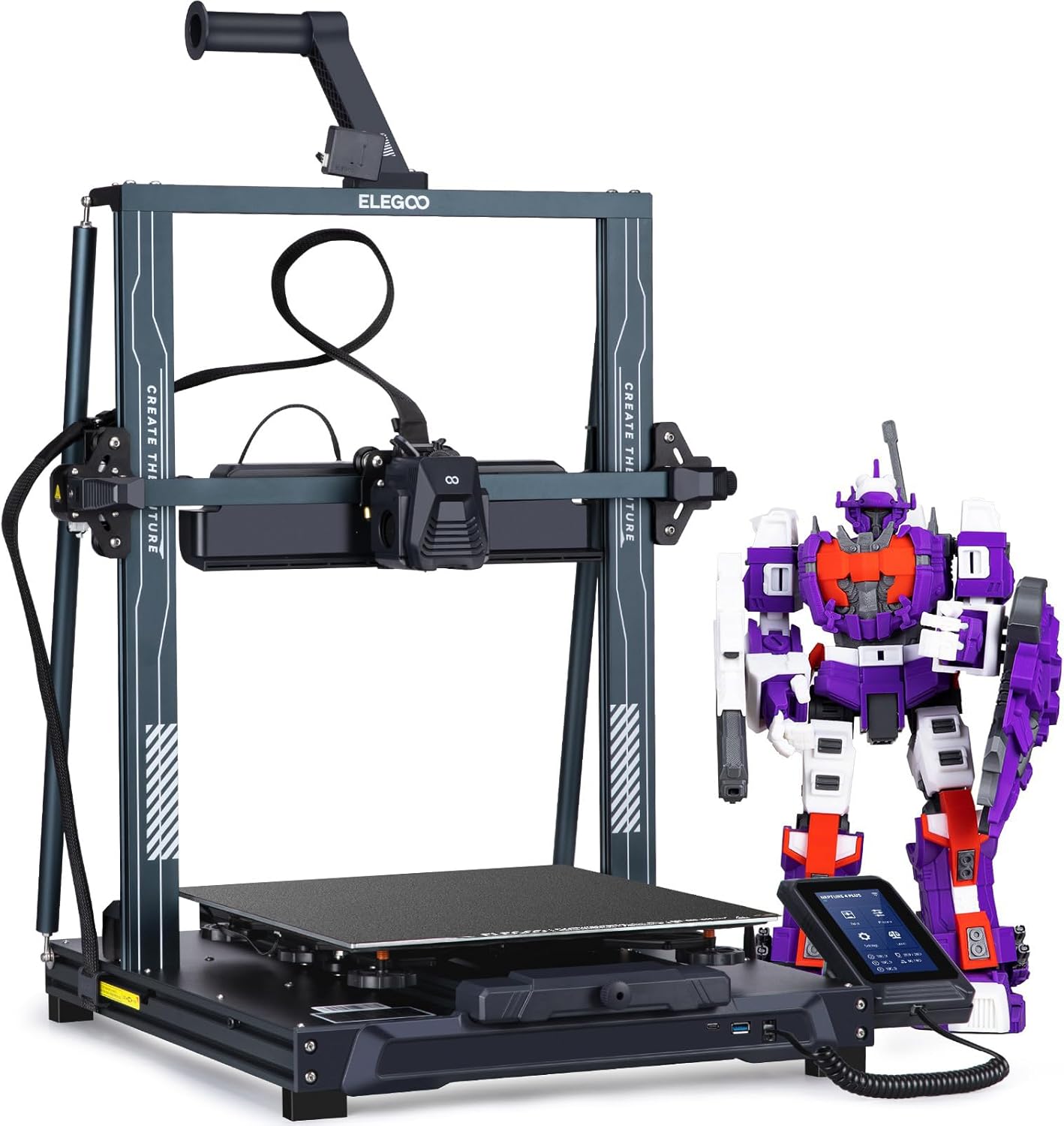
| Spec | Bambu Lab A1 Mini | Elegoo Neptune 4 Pro |
|---|---|---|
| Build Volume | 180×180×180mm | 225×225×265mm |
| Kinematics | Bedslinger (Cartesian) | Bedslinger (Cartesian) |
| Max Speed | 500 mm/s | 500 mm/s |
| Max Nozzle Temp | 300°C | 300°C |
| Max Bed Temp | 80°C | 110°C |
| Extruder | Direct drive | Dual-gear direct drive |
| Leveling | Fully automatic (load cell) | Automatic (121-point) |
| Chamber | Open | Open |
| Firmware | Bambu (proprietary) | Klipper (Elegoo fork, locked) |
| Camera | Built-in 1080p (low fps) | Optional (sold separately) |
Build Volume: The 180mm Wall
The A1 Mini’s 180×180×180mm build volume is honest about what it is. For figurines, small functional parts, phone stands, and desk toys, it’s fine. The moment you want to print a cosplay helmet shell, a large enclosure, or anything that benefits from being printed in one piece rather than glued together, you hit the wall fast.
The Neptune 4 Pro’s 225×225×265mm volume isn’t enormous by any measure, but the extra 45mm in X and Y and the additional 85mm of Z height open up a meaningfully different class of projects. Tall vases, longer brackets, larger mechanical assemblies — these fit on the Neptune without the mental gymnastics of splitting and gluing.
If you already know your projects stay small, the A1 Mini’s volume is a non-issue. If you’re not sure yet, the Neptune 4 Pro’s extra space is cheap insurance at this price point.
Firmware and Ecosystem: Locked Polish vs Open Power
This is where the two printers diverge most sharply, and it’s worth being direct about the tradeoffs on both sides.
The A1 Mini runs Bambu’s proprietary firmware. You get Bambu Studio, which is genuinely excellent — the slicer is faster, smarter, and more beginner-friendly than Cura, and the cloud-connected workflow (start a print from your phone, watch it on the built-in 1080p camera) works reliably. The cost is control. Bambu’s ecosystem is a walled garden: third-party slicers work but lose some features, and the firmware is not user-modifiable. If Bambu changes something you rely on, you’re along for the ride.
The Neptune 4 Pro ships with Klipper — specifically Elegoo’s locked fork of it, which means you can’t flash vanilla Klipper without voiding your warranty, but you do get the core Klipper feature set: input shaping, pressure advance, and a web interface via Fluidd or Mainsail. Input shaping alone is worth talking about. It’s the reason the Neptune 4 Pro can push 20,000mm/s² acceleration without the ringing and ghosting artifacts that would ruin a print at those speeds on an untuned machine. The A1 Mini has its own vibration compensation, but Klipper’s implementation is more transparent and tunable.
The catch: Klipper has a learning curve. If “pressure advance” sounds like jargon, the Neptune 4 Pro will feel like homework before it feels like a printer. The A1 Mini will feel like a printer immediately.
Material Compatibility: The Bed Temperature Problem
Both printers handle PLA, PLA+, PETG, and TPU without drama. That covers the vast majority of what most beginners and intermediate users actually print.
The gap opens up with engineering materials:
| Material | A1 Mini (Open, 80°C bed) | Neptune 4 Pro (Open, 110°C bed) |
|---|---|---|
| PLA / PLA+ | Perfect | Perfect |
| PETG | Great | Great |
| ABS | Incompatible | Limited (open frame warps) |
| ASA | Incompatible | Limited (open frame warps) |
| TPU | Good | Good |
| Carbon fiber blends | Incompatible | Limited (hardened nozzle needed) |
The A1 Mini’s 80°C bed cap is a hard limit. ABS needs 100–110°C bed temps to stick reliably, and ASA needs the same. There’s no workaround — the hardware simply won’t get there. If ABS or ASA is on your list, the A1 Mini is the wrong printer, full stop.
The Neptune 4 Pro’s 110°C bed clears the adhesion hurdle, but the open frame means ambient air will still cause warping on larger ABS prints. “Limited” is the honest rating: small ABS parts in a draft-free room, maybe. Reliable ABS production, no — not without adding an enclosure. Carbon fiber blends are also listed as limited: the 300°C all-metal hotend handles the temperature, but you’ll want to swap in a hardened steel nozzle before running abrasive filament, since the stock brass nozzle will wear faster than you’d like.
Speed and Motion Quality
Both printers share a 500mm/s top speed on paper. The Neptune 4 Pro’s 20,000mm/s² acceleration versus the A1 Mini’s 10,000mm/s² is the number that actually matters for print time on real parts.
Acceleration determines how quickly a printer reaches its top speed and how much time it spends at that speed versus ramping up and down. On small, detail-heavy prints with lots of direction changes, the Neptune 4 Pro’s higher acceleration means it spends more of each move at full speed. The practical result: the Neptune 4 Pro is faster on most prints, and the gap widens on larger parts where sustained high-speed travel matters more.
Both are bedslingers, which means the bed moves in the Y axis. At high speeds, a heavy bed moving back and forth is the primary source of ringing artifacts. Klipper’s input shaping on the Neptune 4 Pro is specifically designed to compensate for this — it measures the resonance frequency of the frame and applies a filter to cancel it out. The A1 Mini has Bambu’s vibration compensation, which works well, but it’s less configurable if you want to push beyond stock settings.
The Buy Recommendation
Buy the Bambu Lab A1 Mini ($249) if:
- You want to unbox it, run a print, and not think about firmware
- Your projects fit in a 180mm cube — figurines, small gadgets, desk accessories
- You want multi-color printing now or later (AMS Lite is a real upgrade)
- You’re buying this as a gift or for someone with zero 3D printing experience
- Quiet operation in a shared space matters — the A1 Mini is genuinely bedroom-quiet
Buy the Elegoo Neptune 4 Pro ($260) if:
- You want Klipper’s input shaping and pressure advance without building a printer from scratch
- Your prints regularly push past 180mm in any dimension
- You want a path to printing ABS or ASA (with an enclosure added later)
- You’re comfortable with partial assembly and poking around in a config file
- You want to understand what your printer is doing, not just trust it
For most first-time buyers who just want reliable, good-looking prints without a learning curve, the A1 Mini is the call. The Bambu ecosystem’s polish is real, and the AMS Lite multi-color upgrade path is something the Neptune 4 Pro simply can’t match. But if you’ve already printed a few rolls and you’re ready to actually tune a machine — or if you need that larger build volume — the Neptune 4 Pro gives you more printer per dollar and a firmware platform that rewards the investment of learning it.
For a deeper look at how the A1 Mini stacks up against another strong bedslinger at this price, see Bambu Lab A1 Mini vs Creality Ender 3 V3 SE .