The Mini-vs-Full-Size Question
The Bambu Lab A1 and A1 Mini are the two cheapest “real Bambu” printers — both ship with auto-leveling, both run Bambu Studio, both can use AMS Lite for multi-color, and both have built-in cameras. The Mini lands around $249 and the A1 around $339 at typical street prices.
Is the extra ~$90 worth it?
It comes down to two things: build volume and bed temperature.
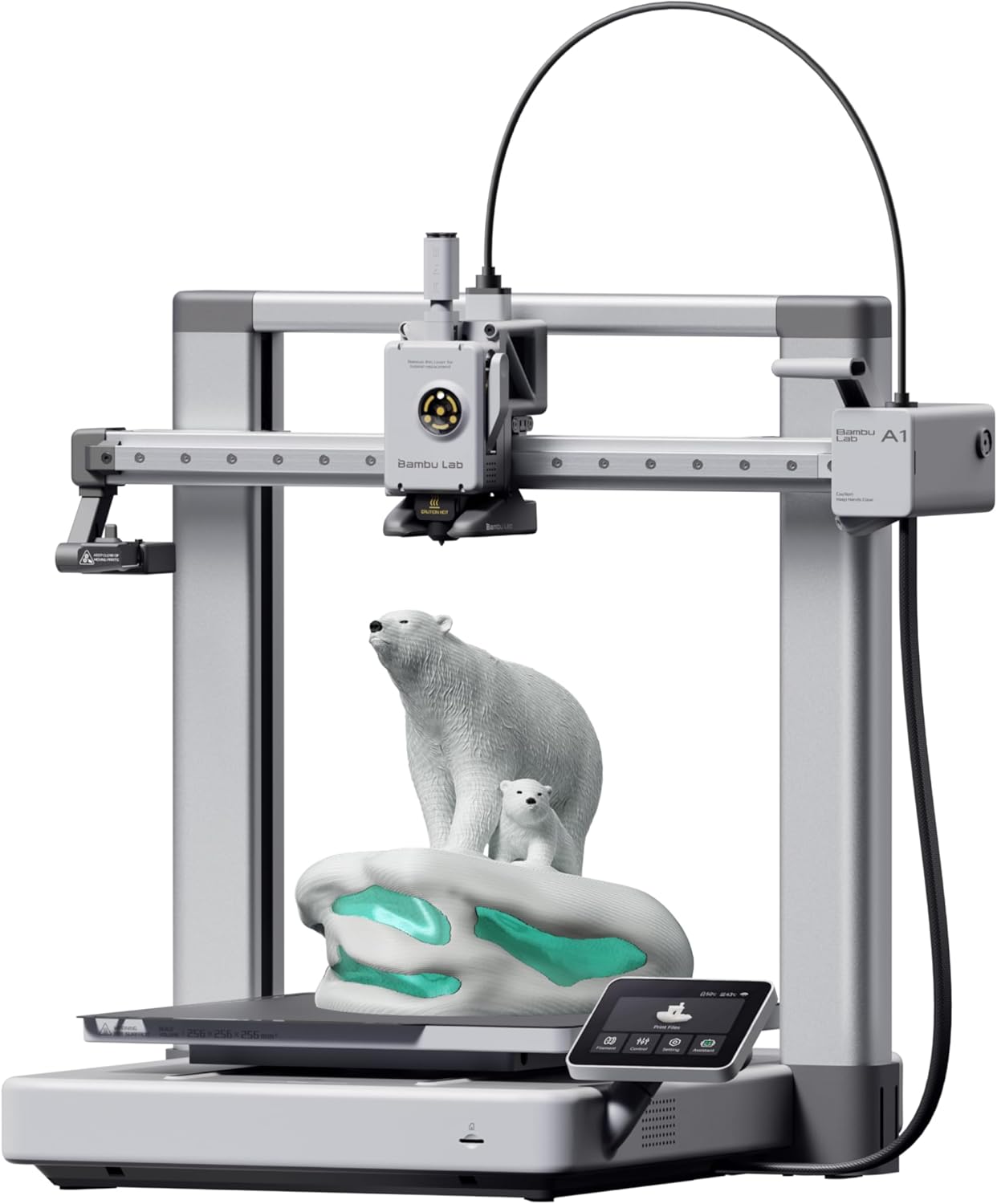
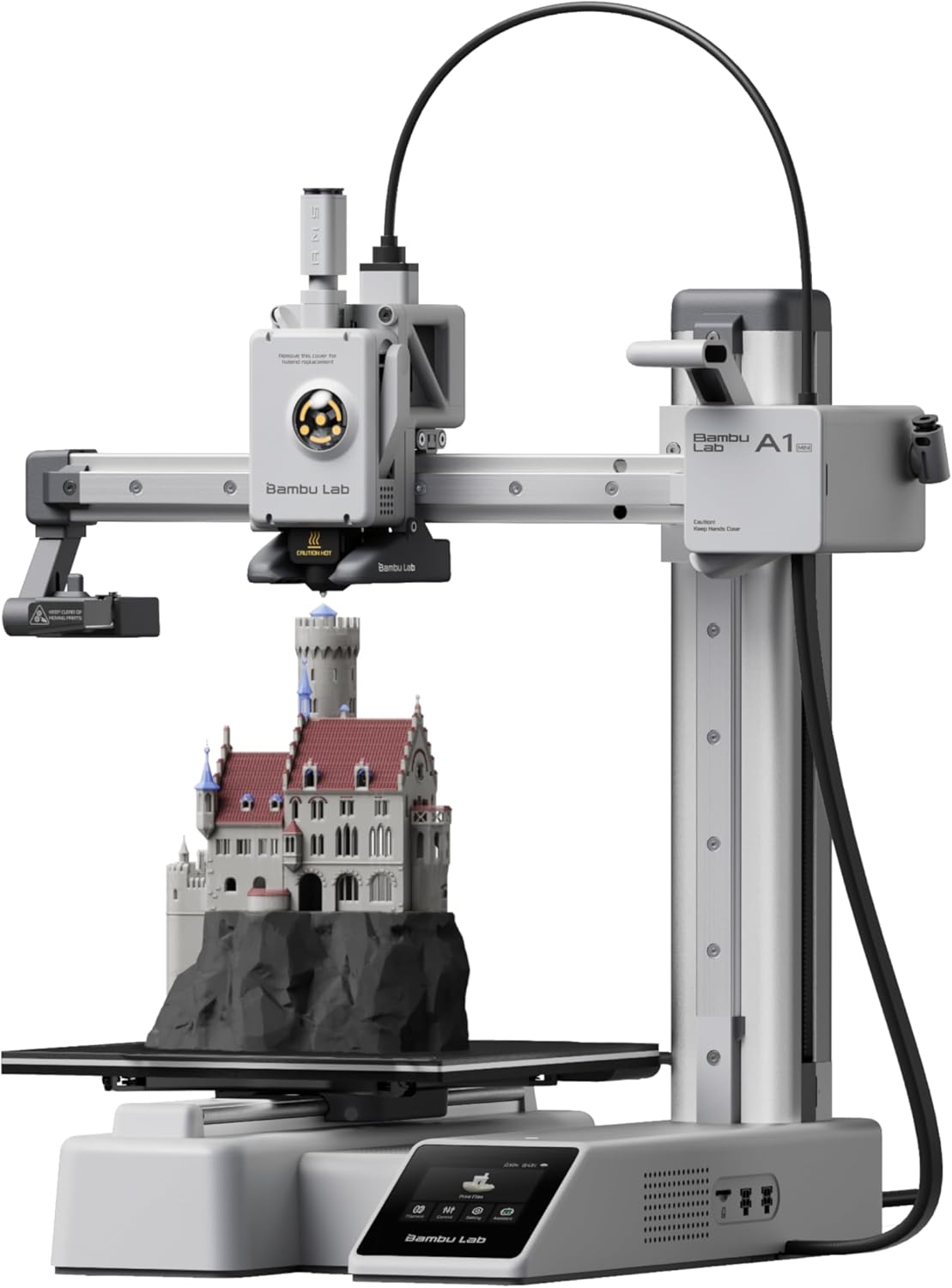
| Spec | Bambu Lab A1 | Bambu Lab A1 Mini |
|---|---|---|
| Build Volume | 256×256×256mm | 180×180×180mm |
| Kinematics | Bedslinger (Cartesian) | Bedslinger (Cartesian) |
| Max Speed | 500 mm/s | 500 mm/s |
| Max Nozzle Temp | 300°C | 300°C |
| Max Bed Temp | 100°C | 80°C |
| Extruder | Direct drive | Direct drive |
| Leveling | Fully automatic (load cell) | Fully automatic (load cell) |
| Chamber | Open | Open |
| Firmware | Bambu (proprietary) | Bambu (proprietary) |
| Camera | Built-in 1080p | Built-in 1080p (low fps) |
Build Volume Is the Real Decision
The A1 gives you 256×256×256mm — basically a 10-inch cube. The A1 Mini gives you 180×180×180mm — 7-inch cube.
That sounds like a marginal difference. In practice, 180mm is small. Once you start printing:
- Functional parts (brackets, fixtures, cases) — frequently exceed 180mm
- Cosplay props (helmets, swords) — almost always need to be split into pieces on the Mini
- Multi-color models (which is the whole point of AMS Lite) — separation between color zones eats space fast
The 256mm cube on the A1 fits 90% of what beginners actually want to print without splitting.
Mini wins if: you’re printing figurines, miniatures, small mechanical parts, decorative objects under 7 inches.
A1 wins if: you ever plan to print anything functional, cosplay, or multi-piece.
Bed Temperature: 80°C vs 100°C Matters More Than You Think
The Mini caps at 80°C bed. The A1 hits 100°C.
This isn’t just a number — it determines what filaments you can run:
- PLA: Both fine (50-60°C bed)
- PETG: Both fine (75-80°C bed) — Mini is at its ceiling here
- ABS / ABS+: A1 only (needs 100°C+)
- ASA: A1 only
- Higher-temp PETG variants: A1 only
If you’ll only ever print PLA, the bed temp doesn’t matter. If you might want to try PETG or beyond, the A1 gives you headroom.
Cameras: Both Have Them
Both the A1 and A1 Mini ship with built-in 1080p cameras. The frame rate is low — these are time-lapse / remote-monitoring cameras, not full live video. For most users that’s plenty: you can check on a long print from your phone via Bambu Handy and pull a satisfying time-lapse at the end.
There’s no meaningful camera advantage either direction.
Print Speed: Identical
Both hit 500mm/s max speed. Both have the same input shaping, same flow calibration, same Bambu Studio integration. There’s zero speed advantage to the A1.
The Buy Recommendation
Buy the A1 Mini (~$249) if:
- Budget is the primary constraint
- You only want to print small models, miniatures, and decorative items under 7 inches
- You want to test 3D printing without overcommitting
Buy the A1 (~$339) if:
- You’ll print anything functional or larger than 7 inches
- You want headroom for PETG / future material experiments
- You see yourself printing multi-color models that need space between colors
For most adult buyers who think they “just want to try 3D printing,” the A1 is the right call — the extra $90 buys a lot more usable build volume and material flexibility. The Mini becomes the right call if you have a specific small-print use case (Warhammer minis, jewelry prototypes, etc.) or a hard sub-$300 budget.
What If You Want to Compare Across Brands?
For a budget alternative to either, see Bambu A1 Mini vs Creality Ender 3 V3 SE — same price, different design philosophies.
For the next step up, see Bambu A1 vs P1S — the move from bedslinger to enclosed CoreXY.