$260 More for an Enclosed CoreXY: Worth It?
The Bambu A1 and P1S are the two flagship Bambu printers under $1000. The A1 is the open-frame bedslinger that broke pricing for auto-everything 3D printing. The P1S is the enclosed CoreXY that took on the “real” 3D printers.
A1 is around $339. P1S is $599. What does the extra ~$260 buy?
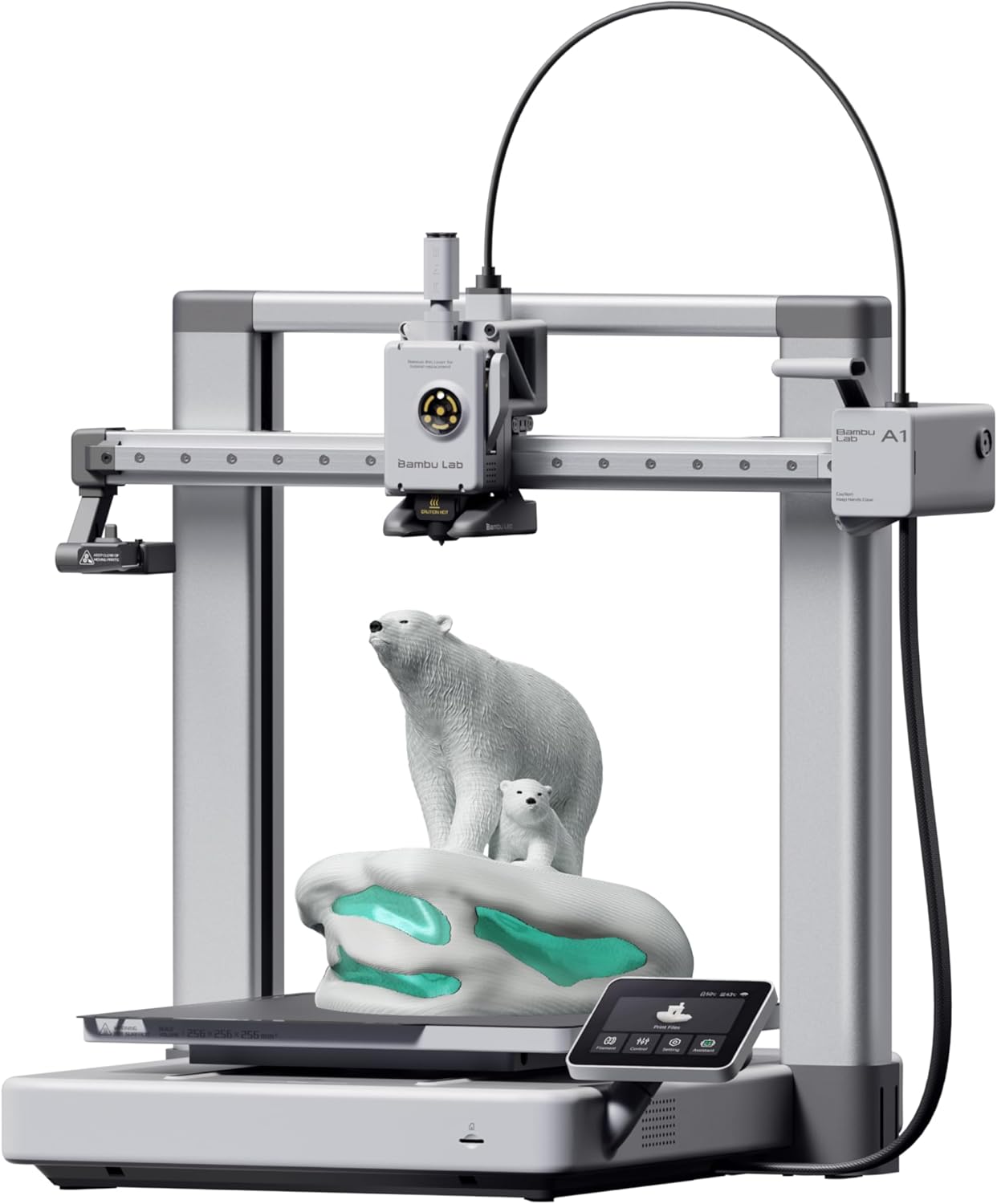
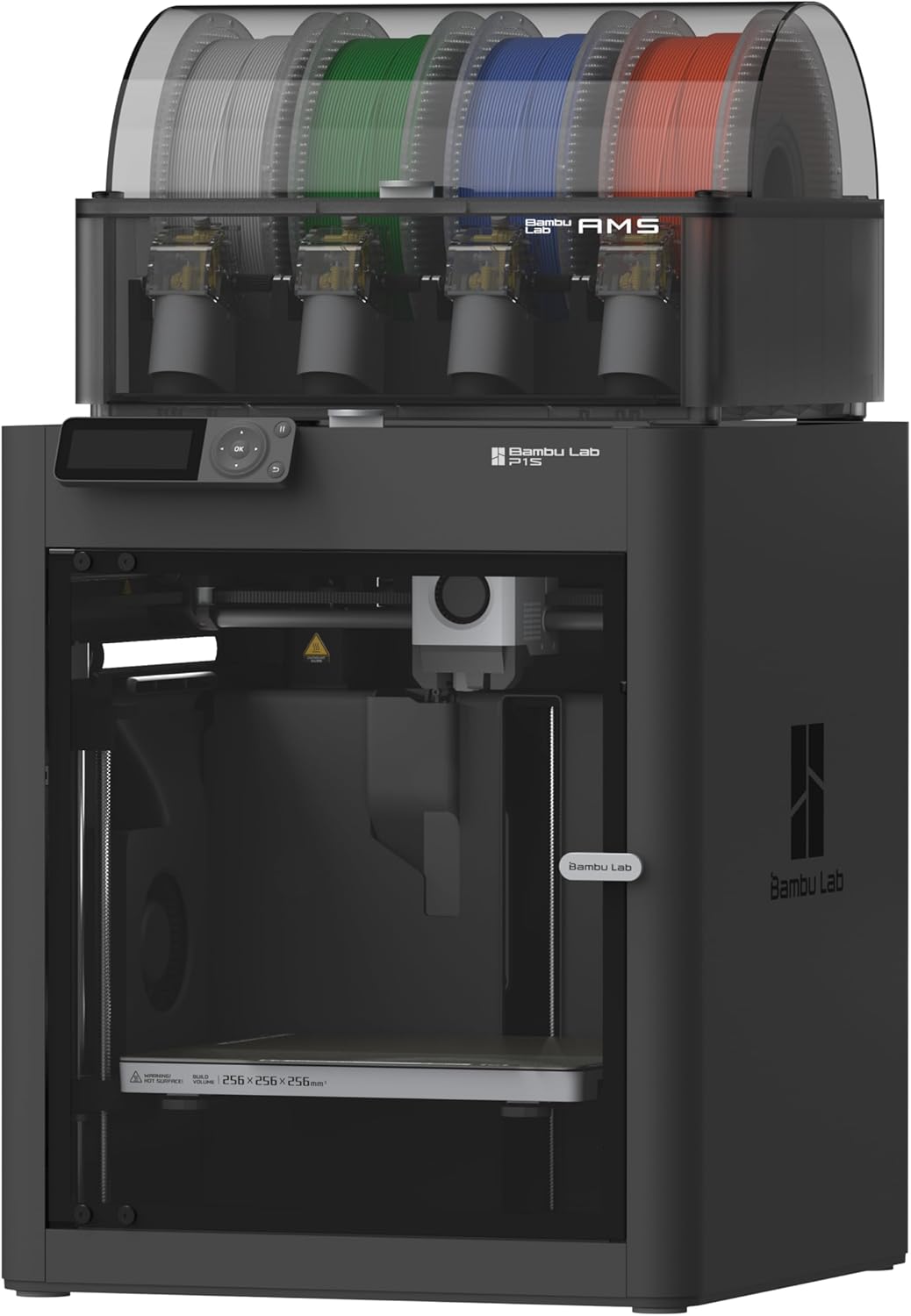
| Spec | Bambu Lab A1 | Bambu Lab P1S |
|---|---|---|
| Build Volume | 256×256×256mm | 256×256×256mm |
| Kinematics | Bedslinger (Cartesian) | CoreXY |
| Max Speed | 500 mm/s | 500 mm/s |
| Max Nozzle Temp | 300°C | 300°C |
| Max Bed Temp | 100°C | 100°C |
| Extruder | Direct drive | Direct drive |
| Leveling | Fully automatic (load cell) | Fully automatic (load cell) |
| Chamber | Open | Enclosed (active cooling) |
| Firmware | Bambu (proprietary) | Bambu (proprietary) |
| Camera | Built-in 1080p | Built-in 720p |
CoreXY vs Bedslinger: The Real Difference
The A1 moves the print bed back and forth in Y. The P1S keeps the bed stationary and moves only the toolhead. This sounds technical but matters in practice:
Bedslinger A1:
- Half-printed model accelerates and decelerates with every Y-axis move
- At high speeds (300+mm/s), this causes ringing (visible vertical waves on walls) and ghosting (echoes of features)
- Tall thin prints can wobble at speed
CoreXY P1S:
- Bed only moves down on Z; X/Y are belt-driven from stationary motors
- Less mass accelerating = less inertia = cleaner walls at high speed
- Tall prints don’t wobble — they sit dead still on the print plate
For PLA at moderate speeds, both look identical. For pushing speeds or printing tall models, the P1S delivers visibly cleaner output.
The Enclosed Chamber: ABS Without Drama
The P1S has a sealed chamber. The A1 is open frame. This determines what you can print:
| Material | A1 (Open) | P1S (Enclosed) |
|---|---|---|
| PLA | Perfect | Perfect (with active chamber cooling) |
| PETG | Great | Perfect |
| ABS | Limited | Great |
| ASA | Limited | Great |
| Polycarbonate | Incompatible | Good |
| Carbon-fiber blends | Limited | Good |
If your shopping list includes anything beyond PLA and PETG, the P1S is the right answer. If you’re a PLA-only printer, the chamber is irrelevant.
Important: The P1S has active chamber exhaust cooling. PLA doesn’t suffer from being in the enclosed chamber the way it would in a passively-sealed printer. You’re not losing anything for PLA.
Camera Quality
Both have built-in cameras, but the P1S camera is lower-resolution than the A1’s (Bambu downgraded it on the P1S compared to the X1). Both work for time-lapses and remote monitoring; neither has the AI failure detection of the X1 Carbon.
AMS Compatibility
- A1 uses AMS Lite ($250) — exposed 4-spool holder on top
- P1S uses the full AMS ($349) — sealed humidity-controlled enclosure
The full AMS is more reliable with abrasive filaments and protects spools from humidity (huge for ABS, Nylon, anything water-sensitive). AMS Lite is fine for casual PLA multi-color.
Build Volume: Identical
Both are 256×256×256mm. No advantage to the P1S here — they print the same size objects.
The Buy Recommendation
Buy the A1 (~$339) if:
- You’ll only print PLA and PETG
- Your room temperature stays moderate (no major drafts)
- Multi-color via AMS Lite is the goal
- You want the lowest-cost full-volume Bambu
Buy the P1S ($599) if:
- You want to print ABS, ASA, or carbon-fiber blends
- You’ll push speeds or print large/tall models where CoreXY shines
- Future-proofing matters — you don’t want to outgrow the printer
- The full AMS workflow appeals to you
For most “what should I buy” questions, the answer is the A1. The P1S only earns its premium if you have a specific need (enclosed materials, CoreXY accuracy, full AMS) that justifies the upgrade.
For a deeper view of the P1S vs other CoreXYs at this price, see P1S vs Creality K1C .