The Two Most-Recommended Sub-$500 Printers in 2026
Walk into any 3D printing subreddit and ask “what should I buy under $500?” You’ll get the same two answers, every time: the Bambu A1 or the Creality Ender 3 V3 SE.
Both are bedslingers. Both have auto-leveling. Both fit on a desk. They share more than they don’t share.
The difference is the experience.
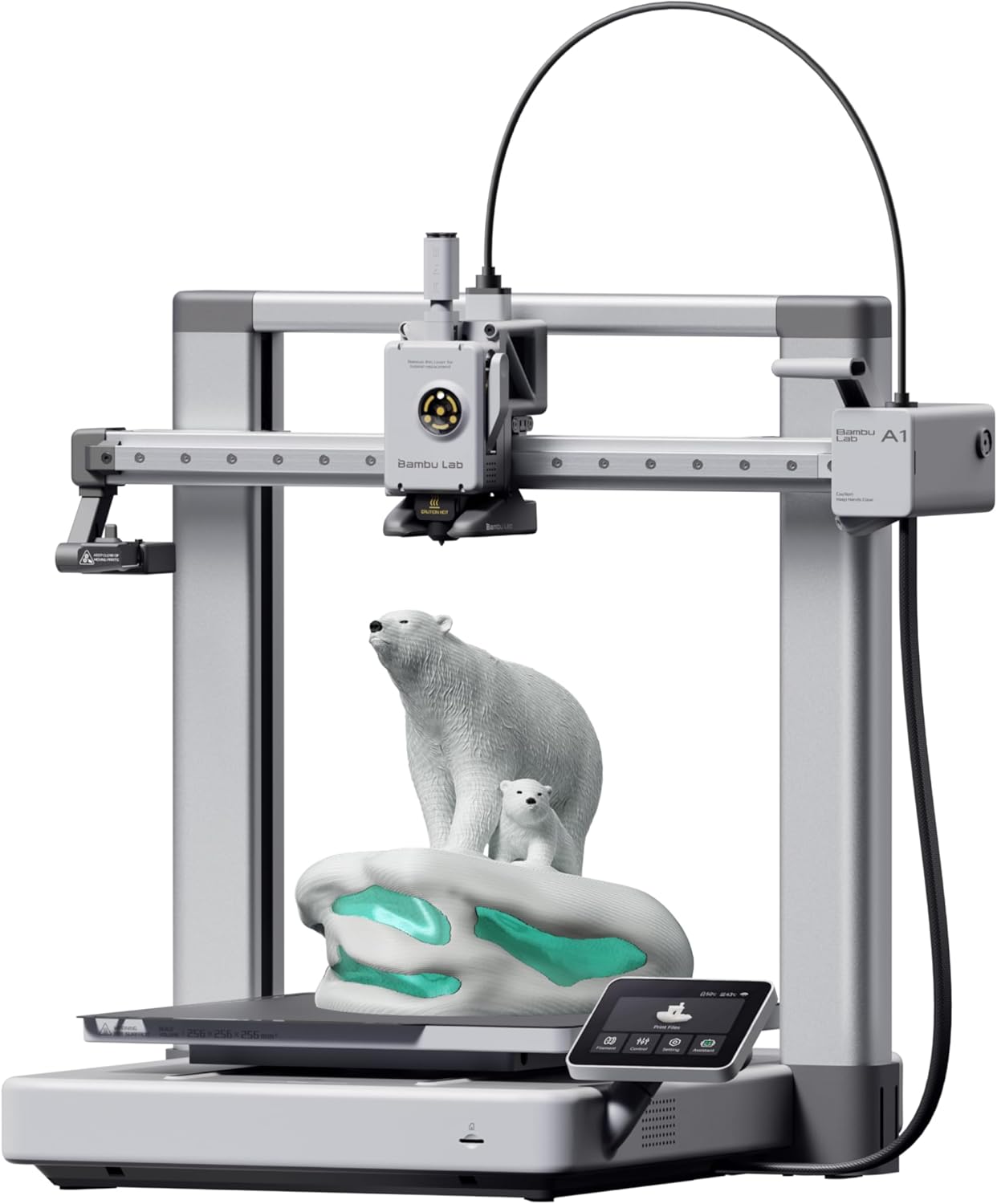
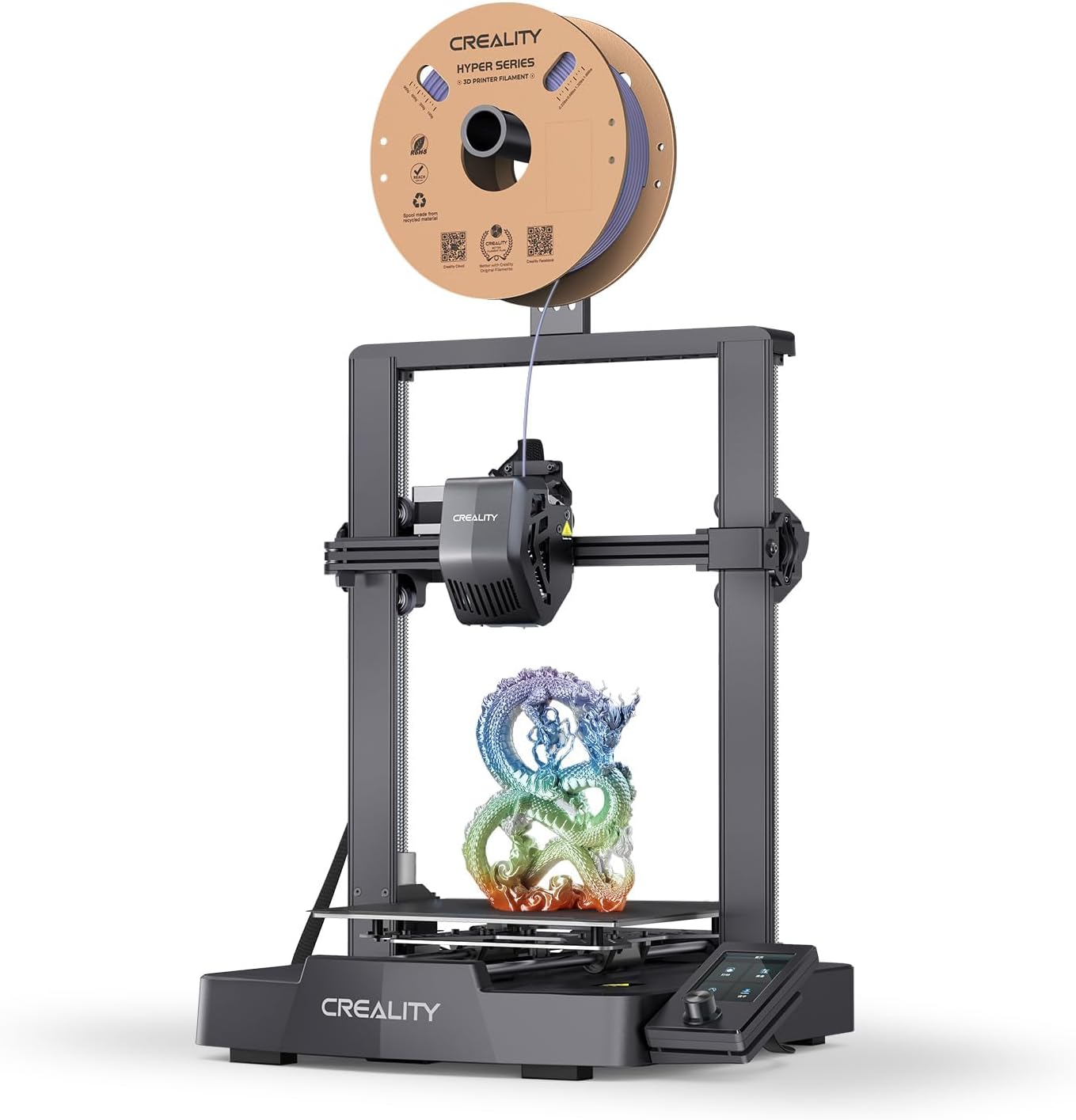
| Spec | Bambu Lab A1 | Creality Ender-3 V3 SE |
|---|---|---|
| Build Volume | 256×256×256mm | 220×220×250mm |
| Kinematics | Bedslinger (Cartesian) | Bedslinger (Cartesian) |
| Max Speed | 500 mm/s | 250 mm/s |
| Max Nozzle Temp | 300°C | 260°C |
| Max Bed Temp | 100°C | 100°C |
| Extruder | Direct drive | Direct drive (Sprite) |
| Leveling | Fully automatic (load cell) | CR Touch (automatic) |
| Chamber | Open | Open |
| Firmware | Bambu (proprietary) | Marlin |
| Camera | Built-in 1080p | None |
Workflow: The Hidden $140 Decision
Here’s what nobody tells you about the price difference: the A1’s premium is mostly paying for the workflow, not the hardware.
Ender 3 V3 SE workflow:
- Slice in Cura or Creality Print (manual install, no built-in profile)
- Save G-code to SD card
- Walk SD card to printer
- Insert SD card
- Navigate menu to start print
- Hope the print finishes (no remote monitoring)
A1 workflow:
- Slice in Bambu Studio (built-in printer profile, one click)
- Click “Print” — file uploads over Wi-Fi
- Print starts
- Watch progress on phone via Bambu Handy
- Get notification when done
If you print 3 times a week, the A1 saves 15-30 minutes/week of friction. Over a year, that’s 13-26 hours. The A1 pays for itself in time alone.
Speed: 500 vs 250 mm/s
The A1 hits 500mm/s. The Ender V3 SE hits 250mm/s. In practice:
- A 10-hour Ender print takes 5-6 hours on the A1
- The A1 uses input shaping; the Ender doesn’t (Marlin doesn’t natively support it)
- For prints that need to be done overnight, the A1 reduces failure risk by finishing faster
If you print 1-2 times a week, this doesn’t matter. If you’re in queue mode (printing one thing while designing the next), the A1’s speed is huge.
Build Volume: Slight Advantage to the Ender
- A1: 256×256×256mm
- Ender V3 SE: 220×220×250mm
The Ender is slightly smaller in X/Y but the same in Z. Practically identical for most prints.
Bed Temperature, Hotend, and Materials
Both hit 100°C bed. Both can run PLA, PETG, and TPU. Both struggle with ABS (open frame).
The Ender’s hotend tops at 260°C; the A1’s at 300°C. This means:
- High-temp PETG variants? A1 only
- PA-CF blends? Neither (no enclosure)
- Standard materials? Both fine
Upgrade Path: The Tinkerer’s Argument
The Ender 3 ecosystem has 10 years of community upgrades:
- Sprite extruder swaps
- Glass / PEI bed plates
- Klipper conversions (with Raspberry Pi)
- DIY enclosures
- Voron-style mods
The A1 ecosystem is closed. Official accessories only. No third-party hotends, no Klipper, no firmware modifications.
If you’re a tinkerer who enjoys modifying the printer as much as printing with it, the Ender wins this category. If you want the printer to be a tool that doesn’t need attention, the A1 wins.
The Buy Recommendation
Buy the Ender 3 V3 SE (~$199) if:
- $140 is real money to you
- You enjoy tinkering with the printer
- You’re fine with SD-card workflow
- You want to learn how 3D printers actually work
Buy the A1 (~$339) if:
- You want a tool, not a hobby project
- Workflow polish matters
- You’ll print regularly enough that 30 min/week saved adds up
- The camera and Wi-Fi feel essential
For most adults asking “which printer should I buy,” the A1 is the answer. The Ender is the right answer for the tinkering enthusiast on a tight budget.
For more comparisons, see our best 3D printer for beginners roundup or Bambu A1 vs A1 Mini .