ABS and ASA Punish Cheap Printers
If you’ve ever seen ABS prints with corners that look like a curling stone — or layers that split open like a sliced loaf of bread — you’ve seen what happens when you try to print ABS without the right printer.
The root cause is the same: uneven cooling. ABS contracts as it cools. If the bottom of your print is at 25°C while the top is being extruded at 240°C, the differential pulls the print apart.
The fix is an enclosed chamber that holds the ambient temperature at 40-60°C so cooling happens evenly across the whole print.
Below: printers in our database rated Great or better for ABS and ASA. (Spoiler: it’s a short list.)
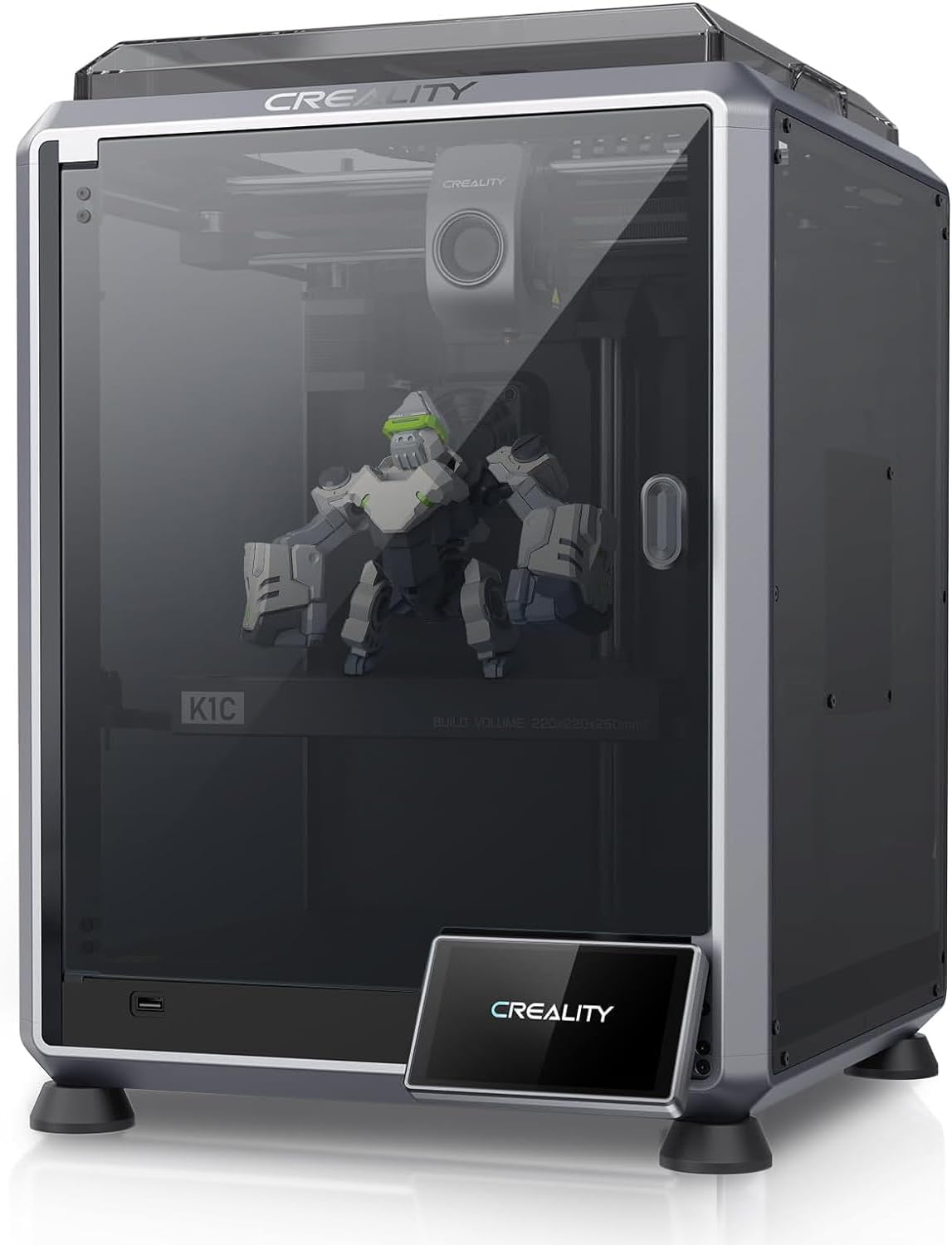
Creality K1C
The K1, made for carbon fiber and abrasives. All-metal hotend, hardened Unicorn nozzle, enclosed CoreXY.
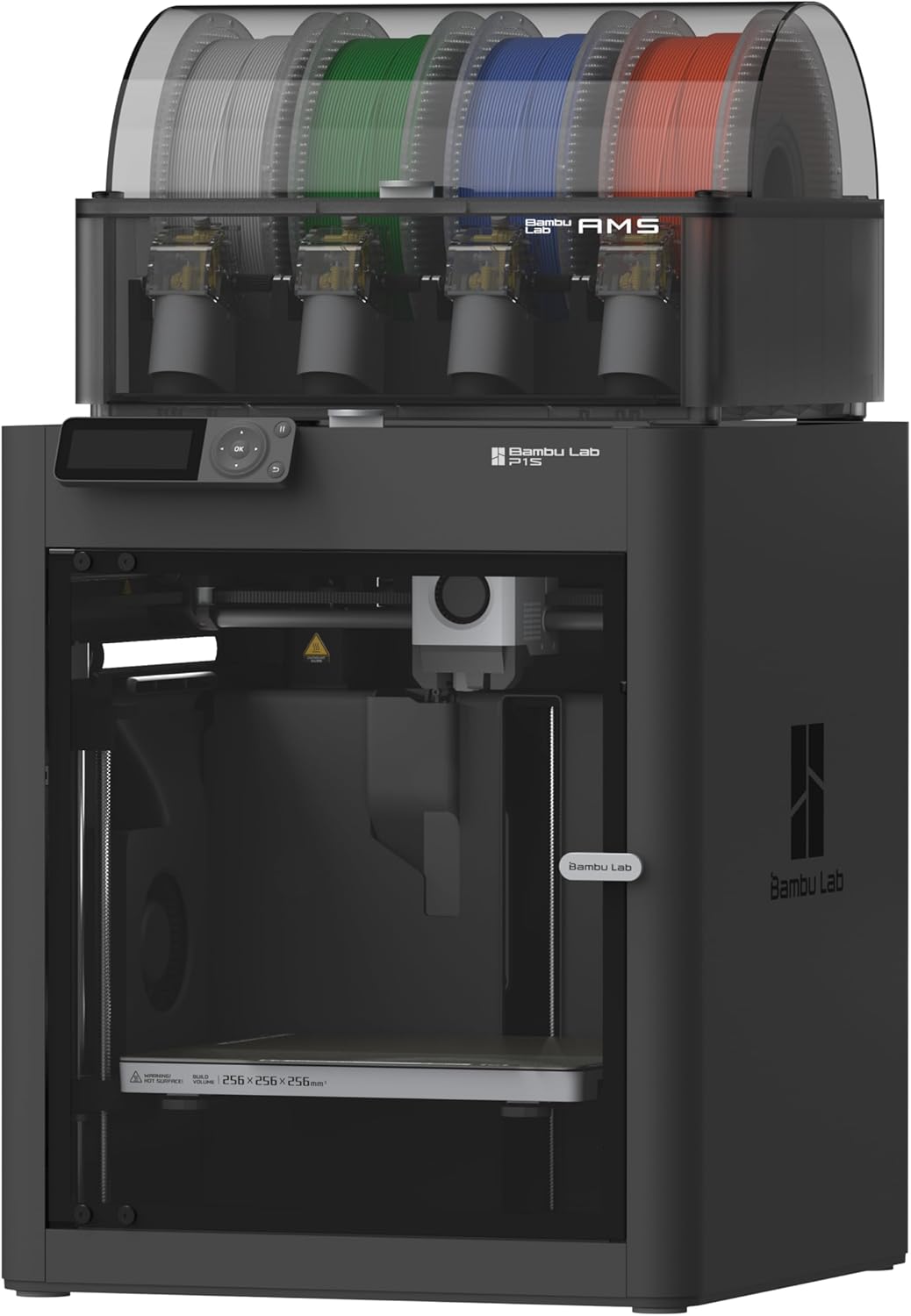
Bambu Lab P1S
CoreXY in a sealed enclosure. ABS and ASA without the enclosure-build weekend.
Why Only Two Printers Make the Cut
Of our 10-printer database, only 2 hit “Great” or better for ABS:
- Creality K1C — sealed chamber, 300°C hotend
- Bambu Lab P1S — sealed chamber with active cooling, 300°C hotend
Every other printer is rated “Limited” or “Incompatible” for ABS. That’s not the printers being bad — it’s that ABS requires an enclosure, and most printers under $400 don’t have one.
K1C vs P1S: The Real Decision
Both will print ABS well. With the K1C around $549 and P1S at $599, the price gap is small — pick on features, not price.
Pick the K1C (~$549) if:
- You want a hardened Unicorn nozzle (K1C ships with one; P1S needs a $25 swap)
- You want Klipper-based firmware (Creality OS, locked but Klipper-flavored)
- You’re sticking to single-color prints
- Carbon-fiber blends are also on your list
Pick the P1S ($599) if:
- You want to do multi-color ABS via AMS
- You also want to print PLA in the same enclosure (P1S has active chamber exhaust)
- You value Bambu’s polished workflow
- You want a more refined print quality experience
For carbon-fiber-out-of-box, the K1C is the answer. For AMS multi-color or “all materials, all the time,” the P1S earns its slight premium.
What About the Neptune 4 Pro?
The Neptune 4 Pro hits 110°C bed temperature (higher than the K1C/P1S at 100°C), which would normally help ABS adhesion. But it’s an open-frame printer. Even with the highest bed temp, ABS will still warp on the open Neptune for anything over 50mm. We rate it “Limited” — it can print small ABS parts but isn’t a real solution.
ASA: Same Story, Use Outdoors
ASA prints almost identically to ABS — same temperatures, same enclosure requirements, same warping issues without one. The difference is what you do with the print. ASA stays UV-stable for years; ABS yellows in months.
If your project sees sunlight: use ASA. If it doesn’t: ABS is cheaper.
Skip the Bedslinger Workarounds
You’ll see threads on Reddit about printing ABS on open Ender 3s with enclosures fashioned from cardboard boxes. These work for tiny prints in still rooms with no drafts. For real ABS work, just buy an enclosed printer — it’s $400 and saves you weeks of failed prints.
For deep specs, see our Creality K1C review or compare K1C vs P1S directly .