PETG Isn’t Hard — But It Will Find Your Printer’s Weak Spots
PETG sits in an awkward middle zone. It’s not as forgiving as PLA, not as demanding as ABS. What it does is expose the corners your printer cuts. A PTFE-lined hotend that’s fine for PLA starts degrading faster above 240°C — the sweet spot for most PETG profiles. A weak extruder that never caused problems with PLA will show you exactly how much PETG strings when retraction isn’t dialed. A bed that barely holds PLA at 60°C will have PETG peeling at the corners.
The good news: most printers released in the last two years handle PETG without drama. The bad news: “handles it” and “handles it well” are different things. The printers below are rated good or better for PETG — meaning they have the hotend temperature headroom, bed temps, and extruder setup to print it reliably, not just technically.
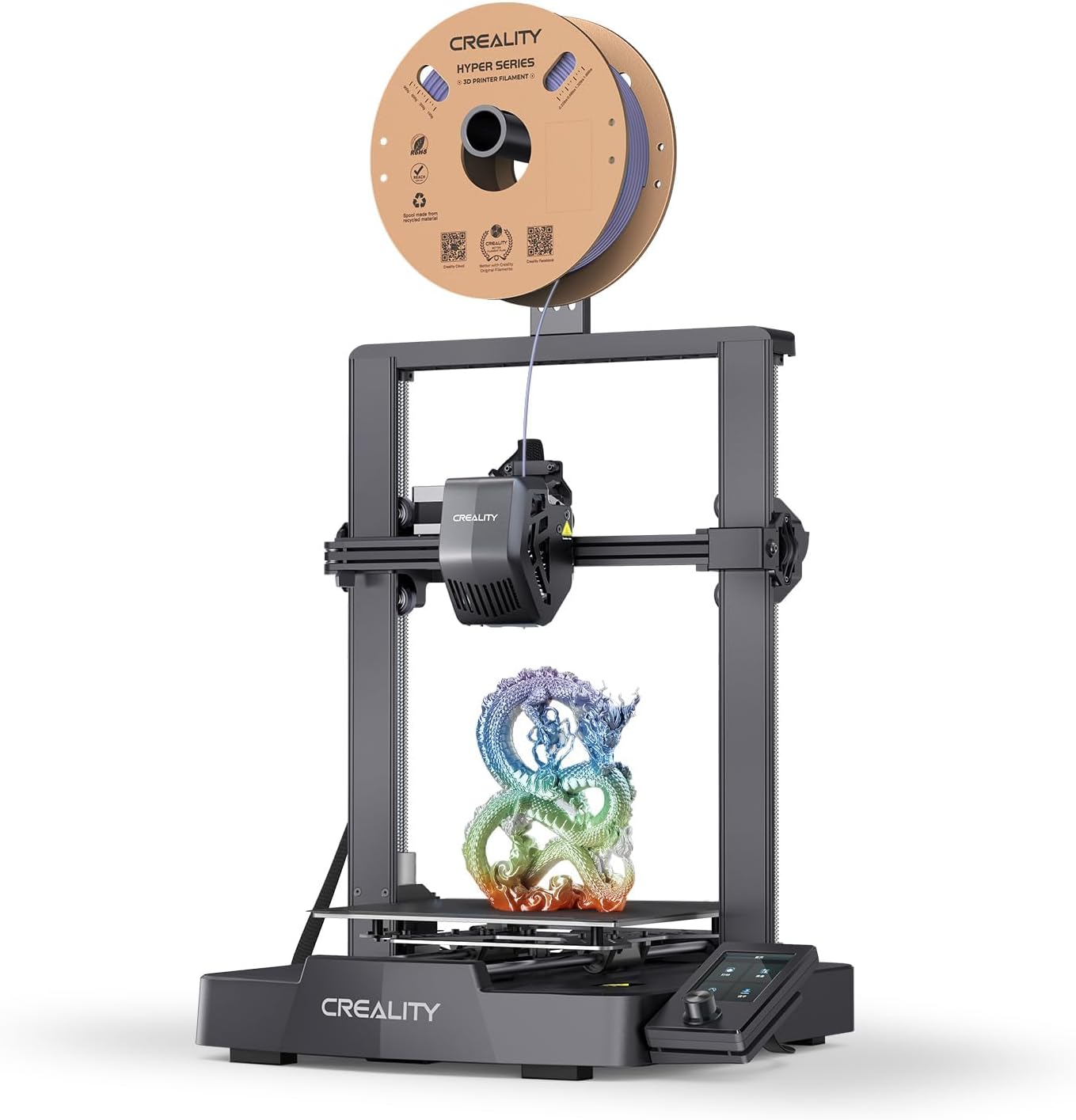
Creality Ender-3 V3 SE
Creality's answer to Bambu's ease-of-use under $200. Direct drive, auto-leveling, and the Ender footprint people already trust.
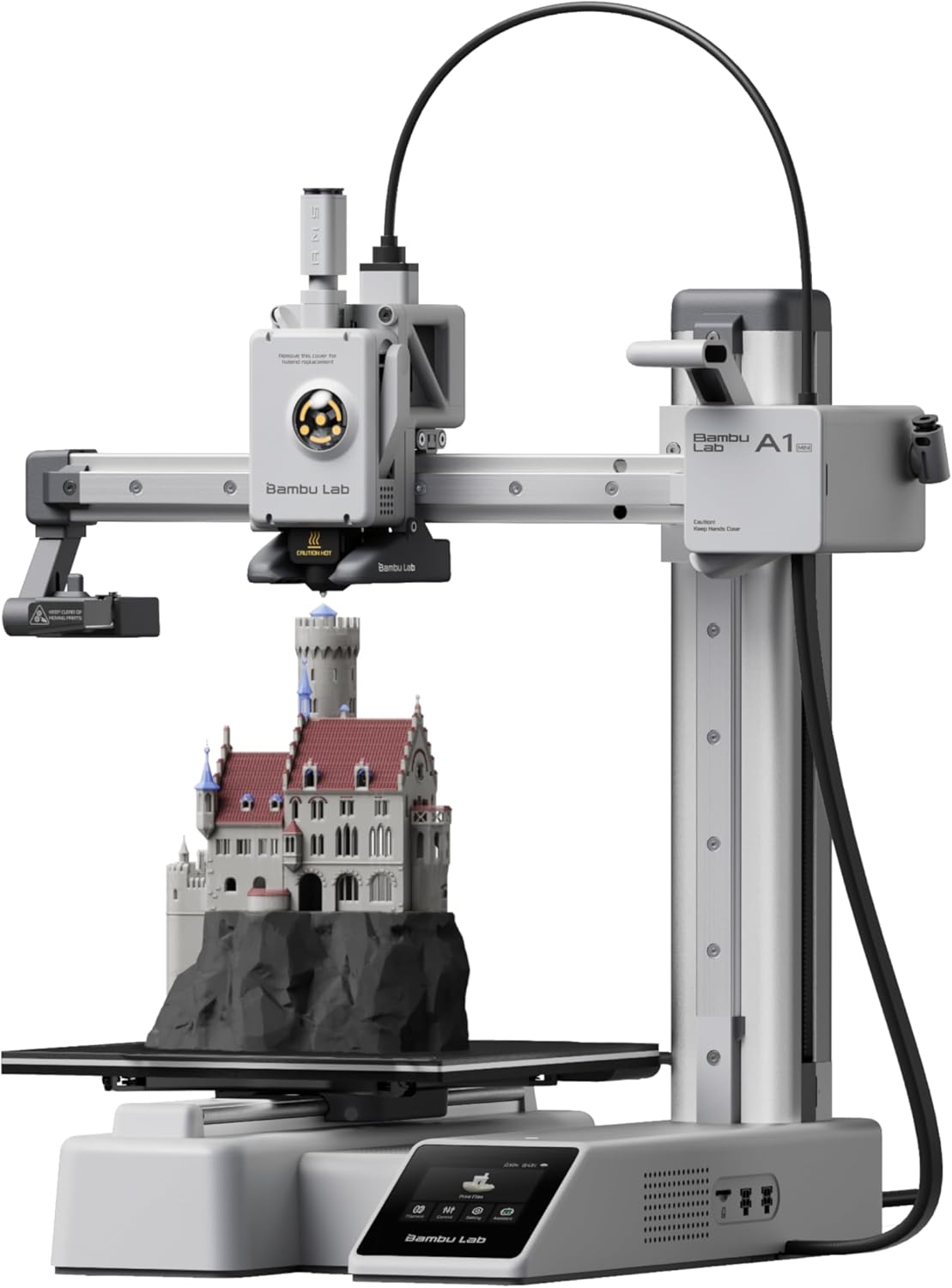
Bambu Lab A1 Mini
The cheapest way to get the Bambu experience. 180mm cube of build volume, all the auto-everything, around $249.
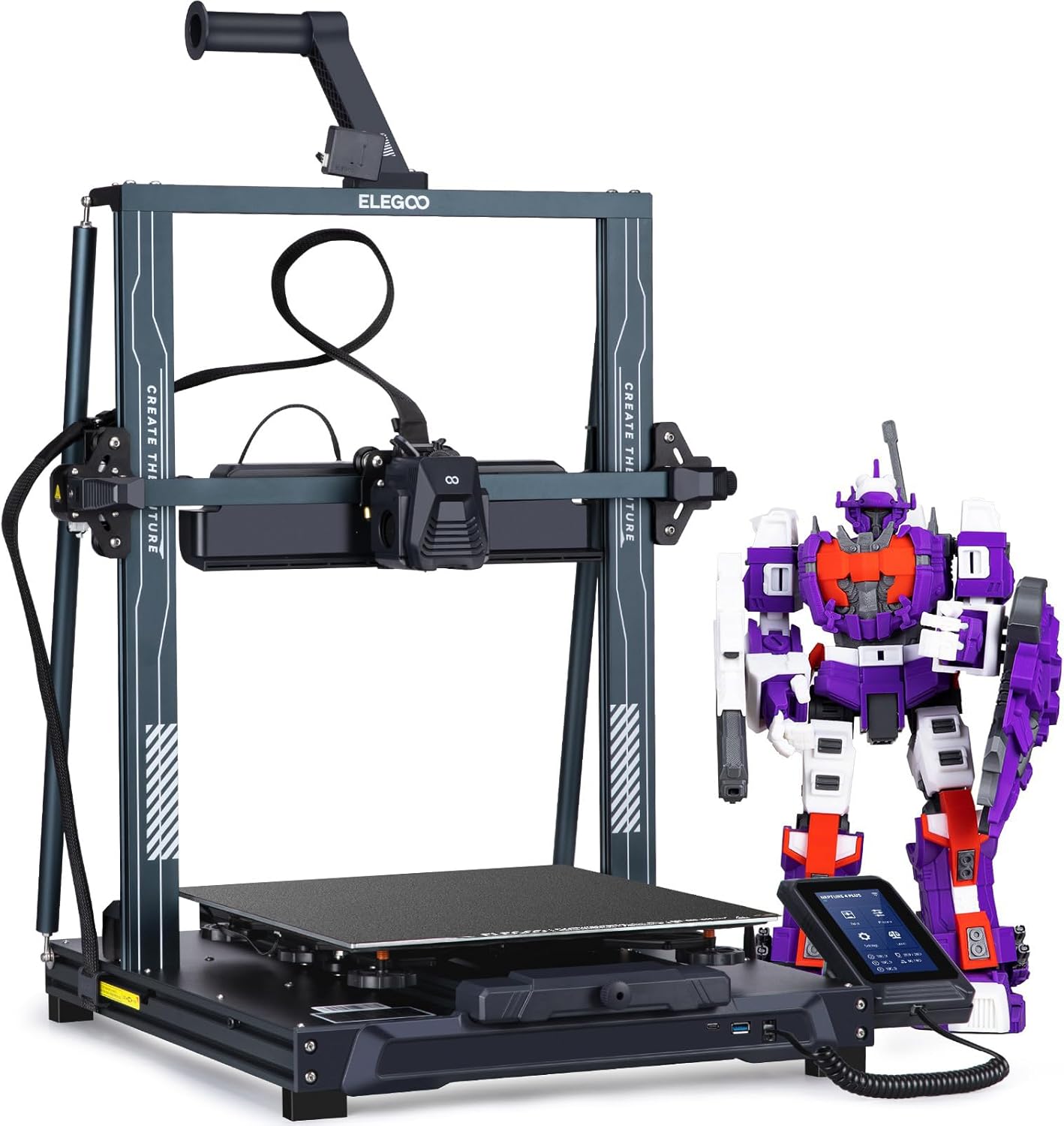
Elegoo Neptune 4 Pro
Klipper out of the box, dual-gear direct drive, and a 500mm/s top speed under $300. The price-to-performance king.
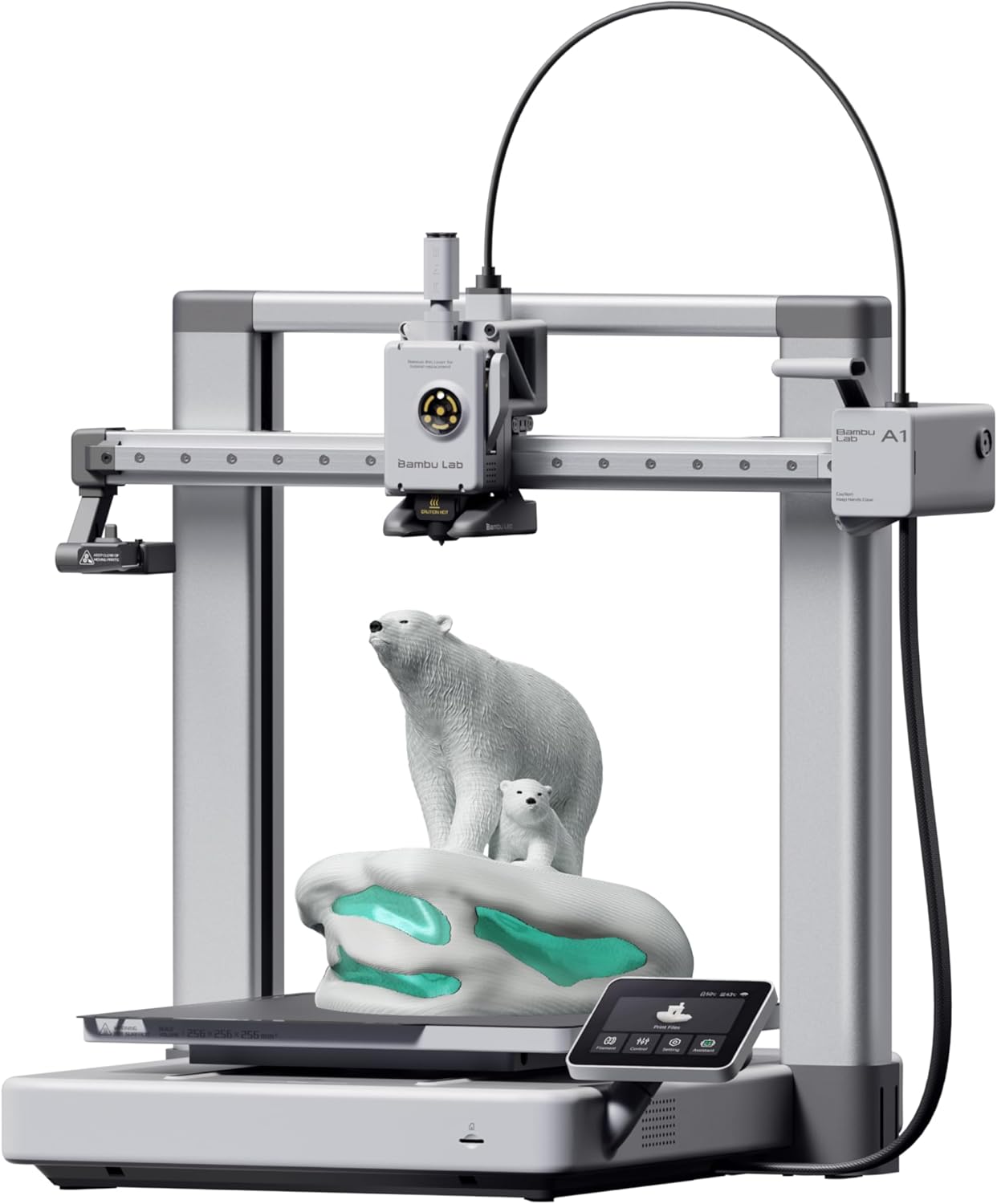
Bambu Lab A1
The bedslinger that beat the CoreXYs at their own game. Auto-everything, multi-color via AMS Lite, and a camera baked in.
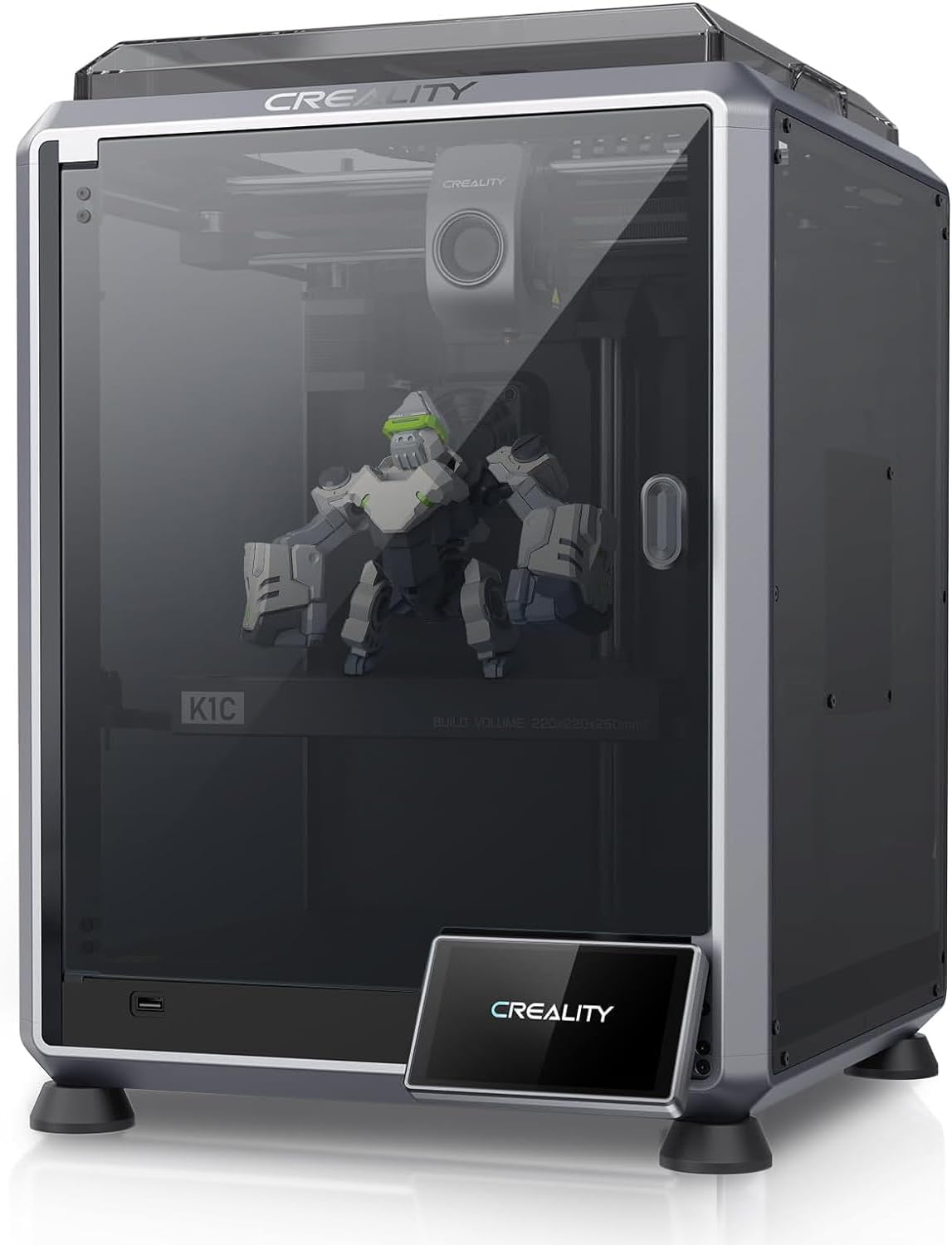
Creality K1C
The K1, made for carbon fiber and abrasives. All-metal hotend, hardened Unicorn nozzle, enclosed CoreXY.
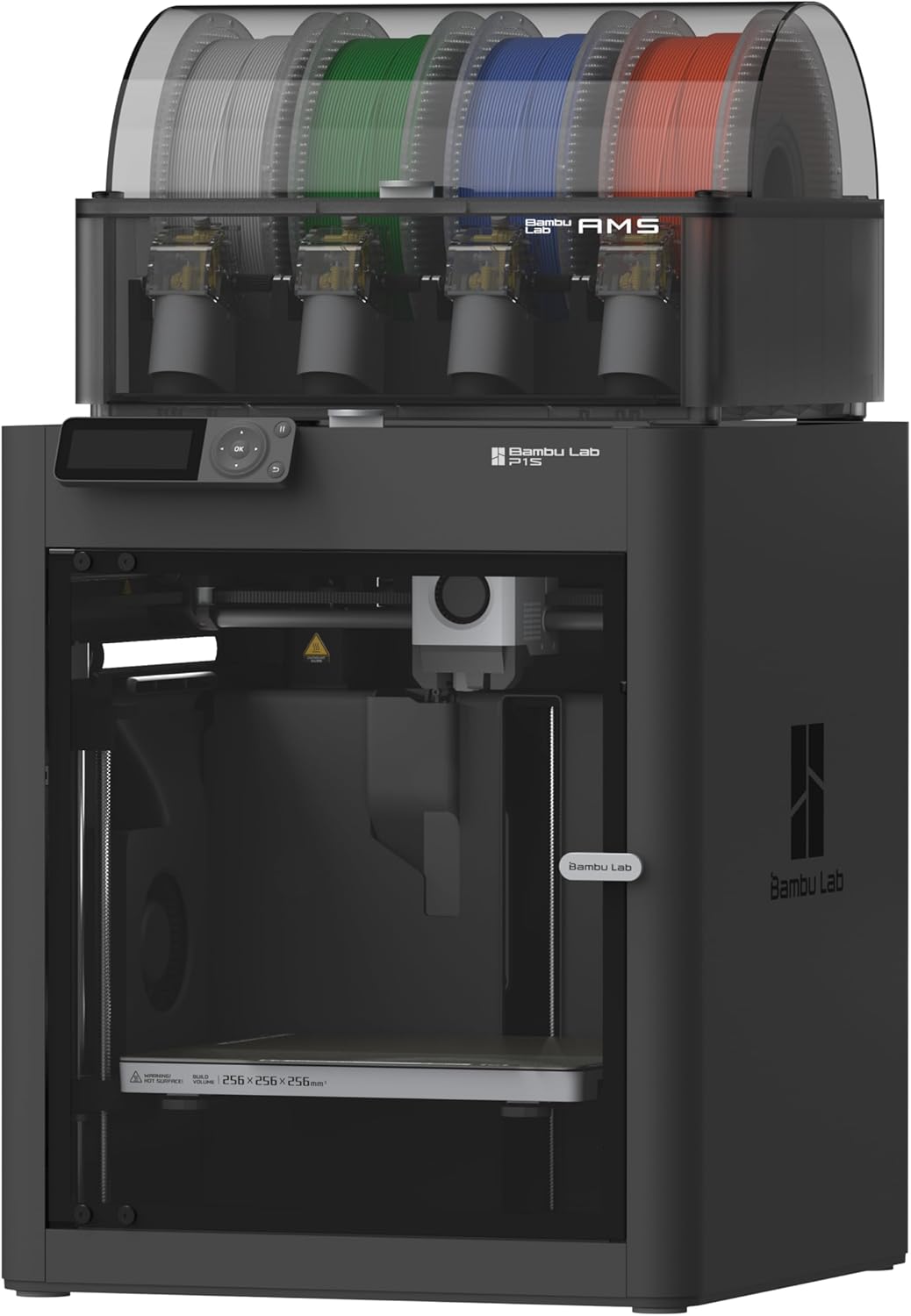
Bambu Lab P1S
CoreXY in a sealed enclosure. ABS and ASA without the enclosure-build weekend.
Why the Bambu Lab P1S Wins for Most People
The P1S is rated perfect for PETG, and the reason isn’t magic — it’s hardware that’s simply overbuilt for the material. The all-metal hotend tops out at 300°C, so 240°C PETG is barely a warmup. The load-cell auto-leveling gets first layers right without manual intervention. And at 500mm/s with 20,000mm/s² acceleration, it prints fast enough that PETG’s longer cooling requirements don’t become a bottleneck the way they can on slower machines.
The enclosure is a minor wrinkle: PETG can string more in a warm chamber. The P1S handles this with active chamber cooling — you can run the enclosure fans to keep temperatures from climbing, which is the right call for PETG even if it’s the opposite of what you’d do for ABS. The result is clean, dimensionally accurate parts out of the box, with no profile tweaking required.
At $599, it’s the most expensive printer on this list. But if you’re printing functional PETG parts — brackets, enclosures, anything that needs to hold a load or survive heat — the P1S is the one you don’t have to fight.
When to Pick the Creality K1C Instead
The K1C is rated great for PETG (one step below the P1S’s perfect), but it earns a serious look at $549 for one reason: the Unicorn all-metal nozzle ships standard, and it’s hardened steel. That matters less for plain PETG than for CF blends, but if you’re printing PETG-CF or glass-filled PETG, the K1C is ready out of the box where the P1S needs a nozzle swap first.
The K1C also runs a Klipper-based firmware — locked down as Creality OS, but input shaping and pressure advance are both accessible. It hits 600mm/s top speed with the same 20,000mm/s² acceleration as the P1S. The enclosed CoreXY frame keeps drafts off your prints without cooking the chamber.
The tradeoff: 220×220×250mm build volume is noticeably smaller than the P1S’s 256mm cube, and the Creality OS ecosystem is thinner than Bambu Studio. If your PETG work stays in the standard filament lane and you want the best ecosystem, the P1S is worth the $50 premium. If you’re already eyeing CF-PETG blends, the K1C earns its place.
The Budget Tier: What You Give Up Under $300
Three printers on this list come in under $300 — the Ender-3 V3 SE ($199), the A1 Mini ($249), and the Neptune 4 Pro ($260). All three are rated great for PETG. None are rated perfect. Here’s what that gap looks like in practice.
| Spec | Ender-3 V3 SE | A1 Mini | Neptune 4 Pro |
|---|---|---|---|
| Max nozzle temp | 260°C | 300°C | 300°C |
| Max bed temp | 100°C | 80°C | 110°C |
| Kinematics | Bedslinger | Bedslinger | Bedslinger |
| Hotend type | PTFE-lined | All-metal | All-metal |
The Ender-3 V3 SE’s 260°C nozzle cap is the most significant constraint. PETG prints fine at 230-240°C, so you’re not hitting the ceiling — but you have no headroom for specialty PETG blends that want 250°C+, and the PTFE liner will degrade faster than an all-metal setup at sustained high temps. It’s a real printer for PETG, not a compromised one, but it’s the one you’ll outgrow first.
The A1 Mini’s 80°C bed cap is worth noting. PETG typically wants 70-85°C, so you’re at the top of the range with no buffer. In a cold room, first-layer adhesion can get finicky. The A1 Mini’s load-cell leveling compensates somewhat — it’s better at nailing the first layer than the Ender’s CR Touch — but the bed temperature ceiling is a real constraint.
The Neptune 4 Pro is the tinkerer’s pick. Klipper out of the box, 121-point auto-leveling, 300°C all-metal hotend, and a 110°C bed. On paper it matches or beats the A1 Mini on specs. In practice, Elegoo’s locked Klipper fork and the generic touchscreen UI mean you’ll spend more time in config files than the Bambu printers. If that sounds like fun, the Neptune 4 Pro is the best-spec’d budget option for PETG. If it sounds like a chore, it isn’t.
The Bambu Lab A1 ($339) sits just above the budget tier and is worth the step up if you want the full Bambu experience — load-cell leveling, Bambu Studio profiles, built-in 1080p camera — in an open-frame bedslinger that handles PETG’s stringing better than an enclosed machine.
PETG-Specific Settings That Actually Matter
Hardware gets you most of the way there. Settings close the gap.
Dry your filament. PETG is hygroscopic — it absorbs moisture from the air faster than PLA. Wet PETG strings aggressively and produces rough surface finishes. If a spool has been sitting open for more than a few days, run it through a filament dryer at 65°C for 4-6 hours before printing. This single step fixes more “bad PETG prints” than any slicer tweak.
Back off retraction. PETG strings more than PLA, and the instinct is to crank retraction. That usually makes it worse — over-retraction causes grinding and inconsistent extrusion. Direct-drive setups (all the printers on this list) want 1-2mm retraction at 25-35mm/s. Start conservative.
Slow the first layer. PETG sticks aggressively to some surfaces — too aggressively. A first layer that’s too squished will weld itself to a glass bed. Use a slightly higher Z offset than you would for PLA, and consider a thin layer of glue stick or hairspray as a release agent rather than an adhesion aid.
Watch your part cooling. Too much cooling fan causes layer delamination in PETG. Most profiles run 30-50% fan speed, not the 100% you’d use for PLA. The enclosed printers (P1S, K1C) handle this automatically in their presets.
What You Still Need to Buy
The printer is the start, not the finish.
Filament dryer — Non-negotiable for PETG. A basic unit like the Sunlu S1 or Creality Filament Dryer Box runs $25-40 and will save more prints than any slicer upgrade. See our filament dryer guide for specifics.
Glue stick or PEI release agent — PETG bonds hard to bare PEI. A thin layer of Elmer’s glue stick on the build plate gives you a release layer that prevents the plate from coming up with the part. Most printers on this list ship with PEI-coated beds.
Spare nozzle — If you’re on the Ender-3 V3 SE, keep a spare brass nozzle. PETG at sustained temperatures wears nozzles faster than PLA. If you move into glass-filled or CF-PETG blends, swap to a hardened steel nozzle before your first spool — not after.
Quality PETG filament — Cheap PETG varies more than cheap PLA. Brands like Polymaker PolyLite PETG, Prusament PETG, and Bambu’s own PETG have consistent diameter tolerances that matter at higher speeds. Browse the FirstLayerHQ filament hub for tested picks.
Buy X If
Buy the Bambu Lab P1S ($599) if:
- You want perfect PETG results without touching slicer settings
- You’re printing functional parts that need dimensional accuracy
- You plan to add ABS, ASA, or CF blends later — the P1S handles all of them
Buy the Creality K1C ($549) if:
- You’re already planning to run CF-PETG or glass-filled blends
- You want Klipper-based firmware with input shaping accessible
- The hardened nozzle standard matters more than Bambu’s ecosystem
Buy the Bambu Lab A1 ($339) if:
- You want the Bambu experience without the P1S price
- Multi-color PETG prints via AMS Lite are on your list
- You don’t need ABS or ASA — the open frame is fine for PETG
Buy the Elegoo Neptune 4 Pro ($260) if:
- You want real Klipper and don’t mind configuring it
- The 225×225×265mm build volume matters for your part sizes
- You’re comfortable with intermediate-level printer setup
Buy the Bambu Lab A1 Mini ($249) if:
- Your prints fit in a 180mm cube
- You want the Bambu ecosystem at the lowest entry price
- You’ll only print PLA and PETG — the 80°C bed cap rules out everything else
Buy the Creality Ender-3 V3 SE ($199) if:
- Budget is the primary constraint
- You’re printing standard PETG, not specialty blends
- You want the massive Ender upgrade community behind you
For filament recommendations to go with whichever printer you pick, the FirstLayerHQ PETG filament guide covers tested spools across the budget and premium tiers.