The One Thing That Makes or Breaks a TPU Print
Flexible filament has exactly one dealbreaker: the extruder. A Bowden setup — where the drive motor sits on the frame and pushes filament through a long PTFE tube to the hotend — can’t grip soft TPU consistently. The filament buckles inside the tube, jams against the coupler, and turns what should be a straightforward print into a bird’s nest. That’s not a tuning problem. It’s a mechanical one.
Every printer on this list uses a direct-drive extruder, which puts the drive gears directly above the hotend. That short filament path is what makes TPU printable. Beyond that, the differences between these machines come down to speed, enclosure, ecosystem, and price — not TPU capability in the abstract.
One more thing before you look at the table: dry your spool. TPU is hygroscopic. A spool that’s been sitting open for a week will print with bubbles, stringing, and surface texture that looks like the filament is boiling. A filament dryer running at 45–50°C for four hours before a print is not optional — it’s part of the process.
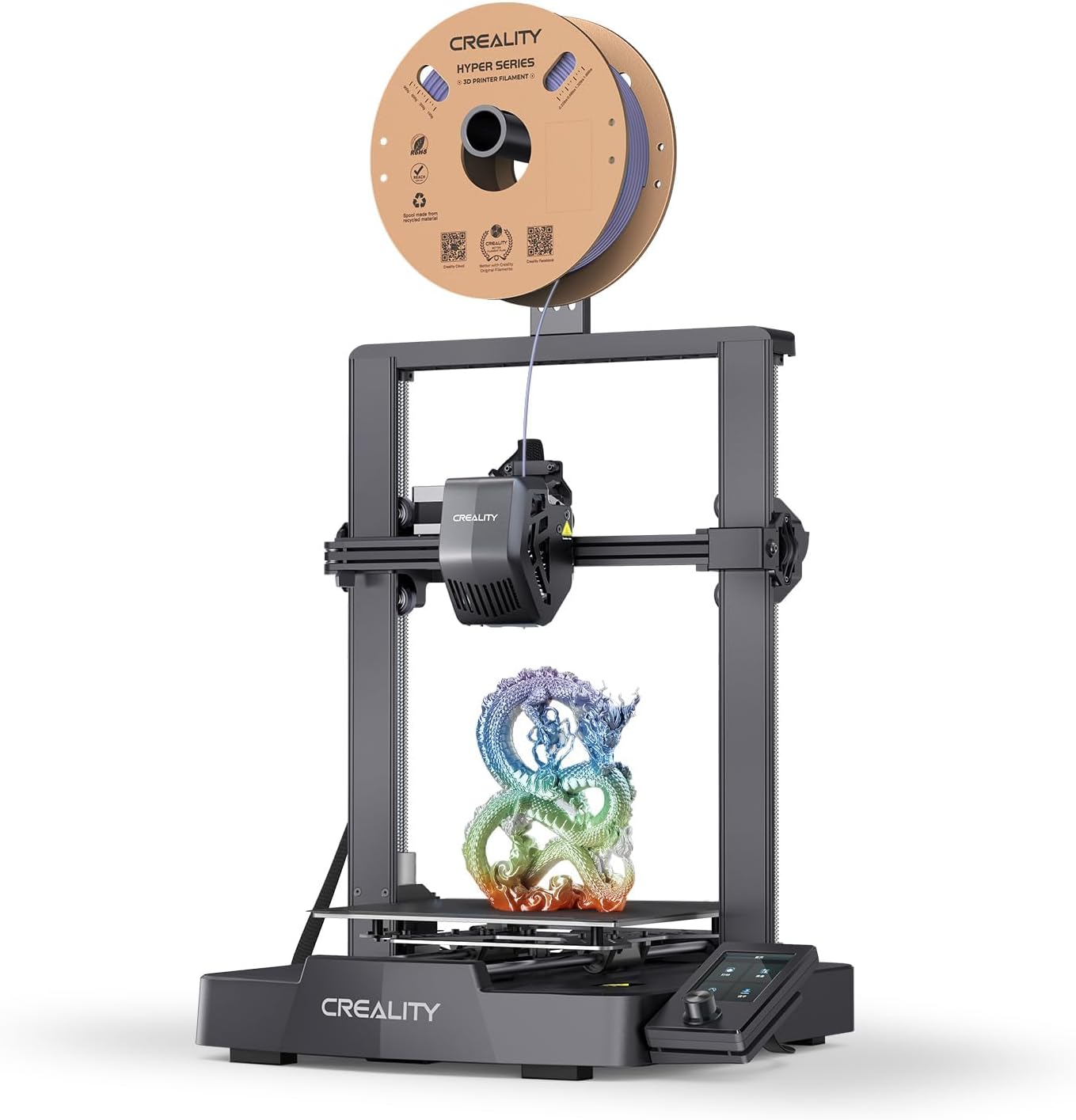
Creality Ender-3 V3 SE
Creality's answer to Bambu's ease-of-use under $200. Direct drive, auto-leveling, and the Ender footprint people already trust.
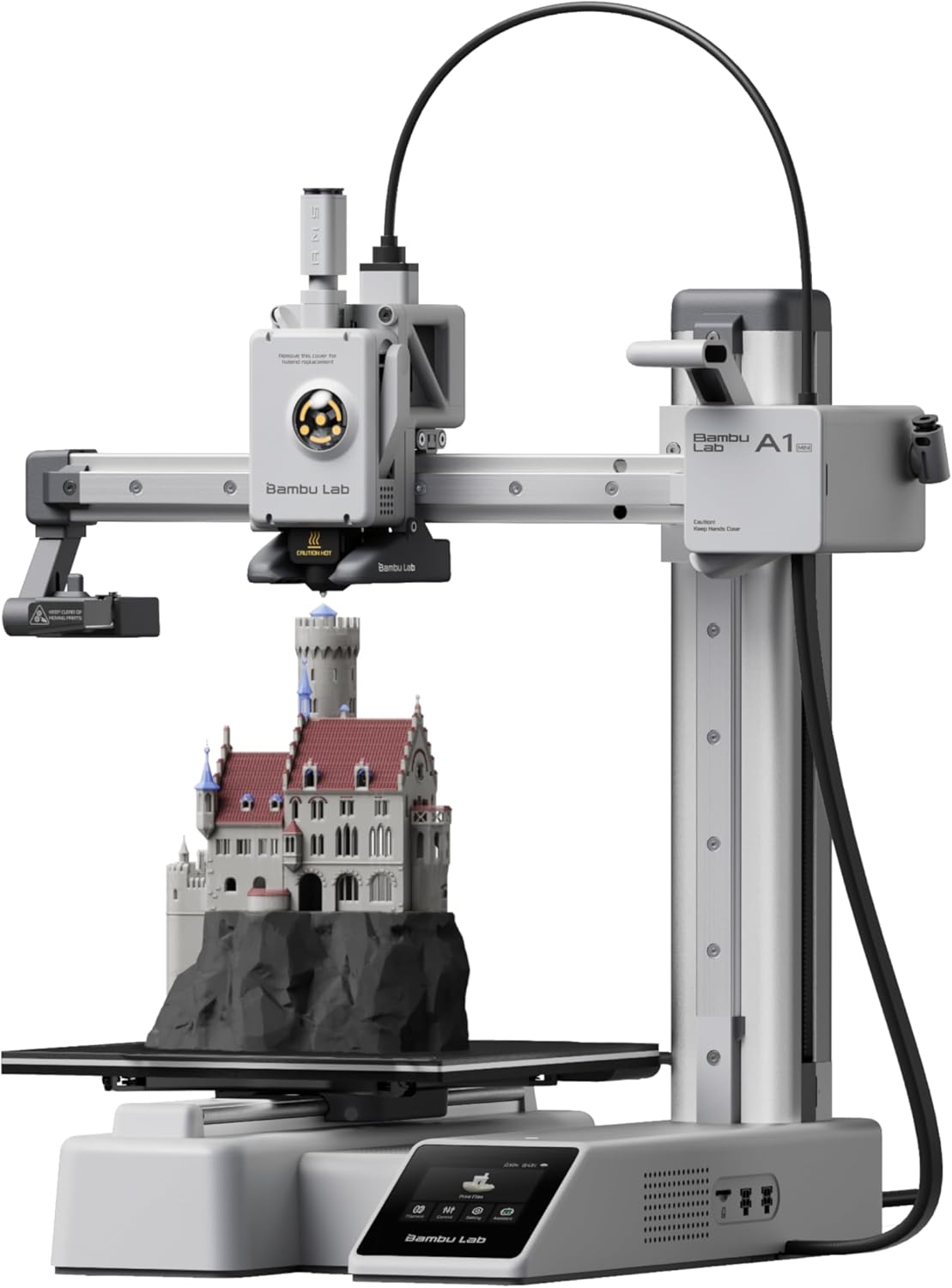
Bambu Lab A1 Mini
The cheapest way to get the Bambu experience. 180mm cube of build volume, all the auto-everything, around $249.
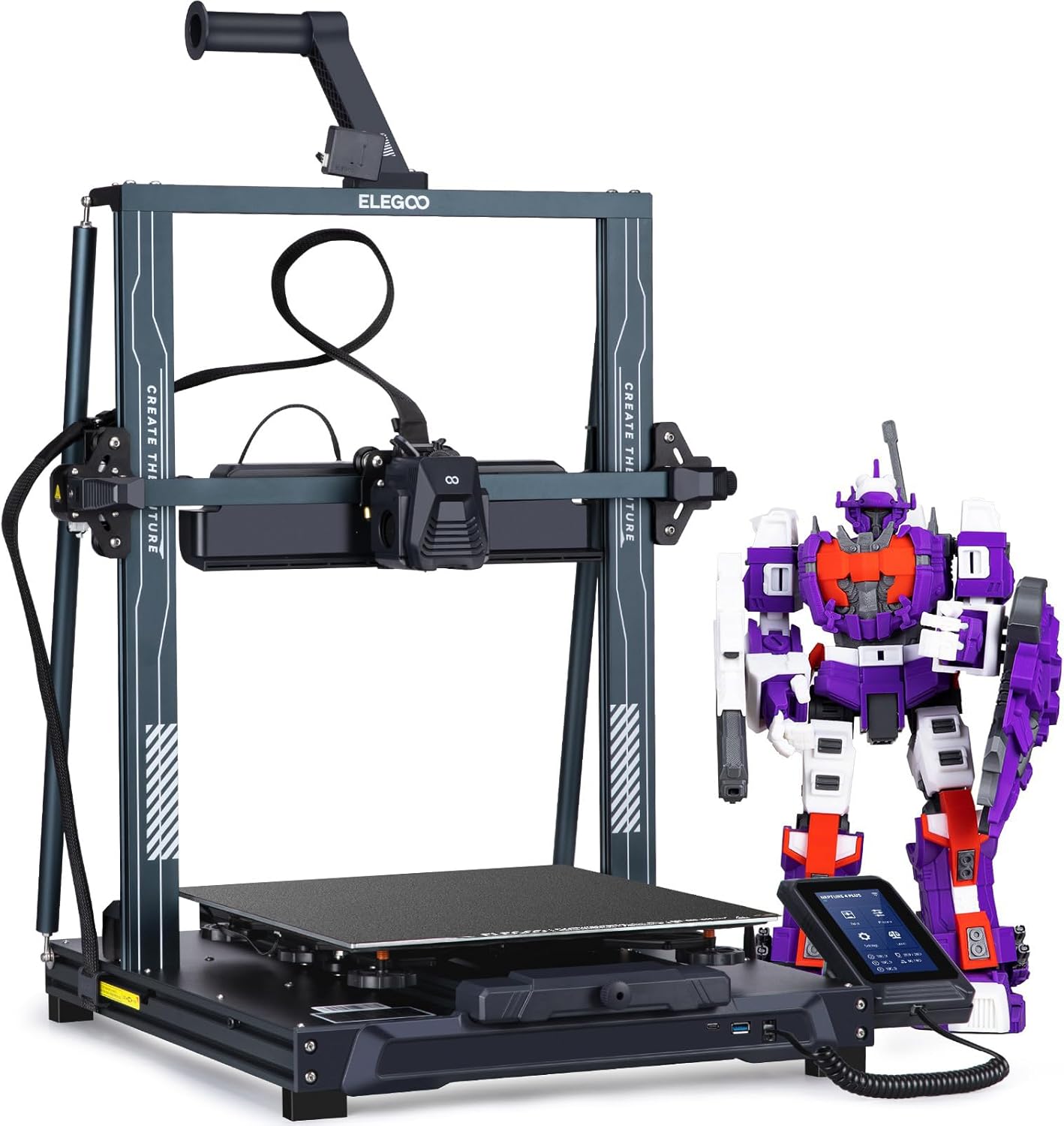
Elegoo Neptune 4 Pro
Klipper out of the box, dual-gear direct drive, and a 500mm/s top speed under $300. The price-to-performance king.
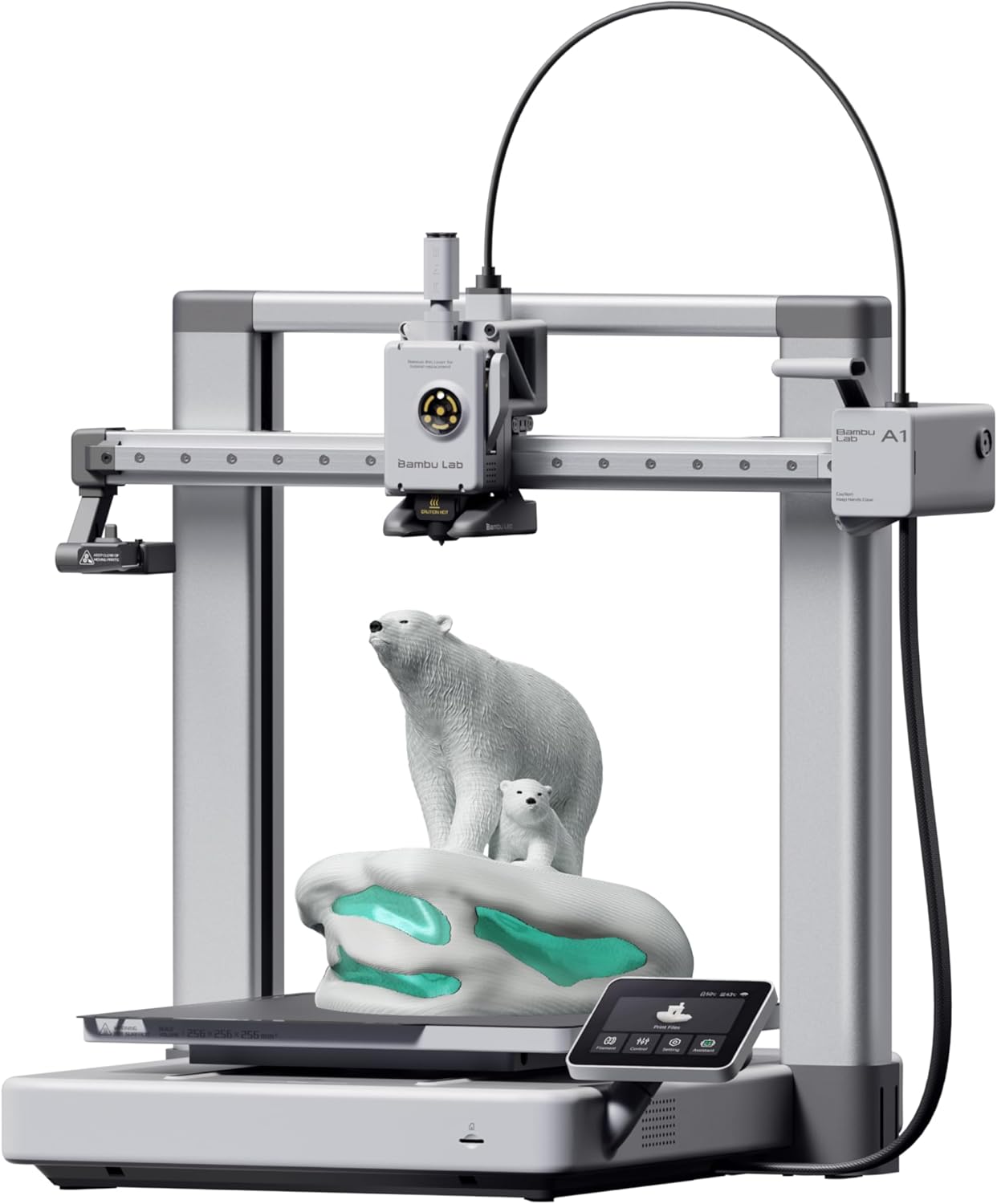
Bambu Lab A1
The bedslinger that beat the CoreXYs at their own game. Auto-everything, multi-color via AMS Lite, and a camera baked in.
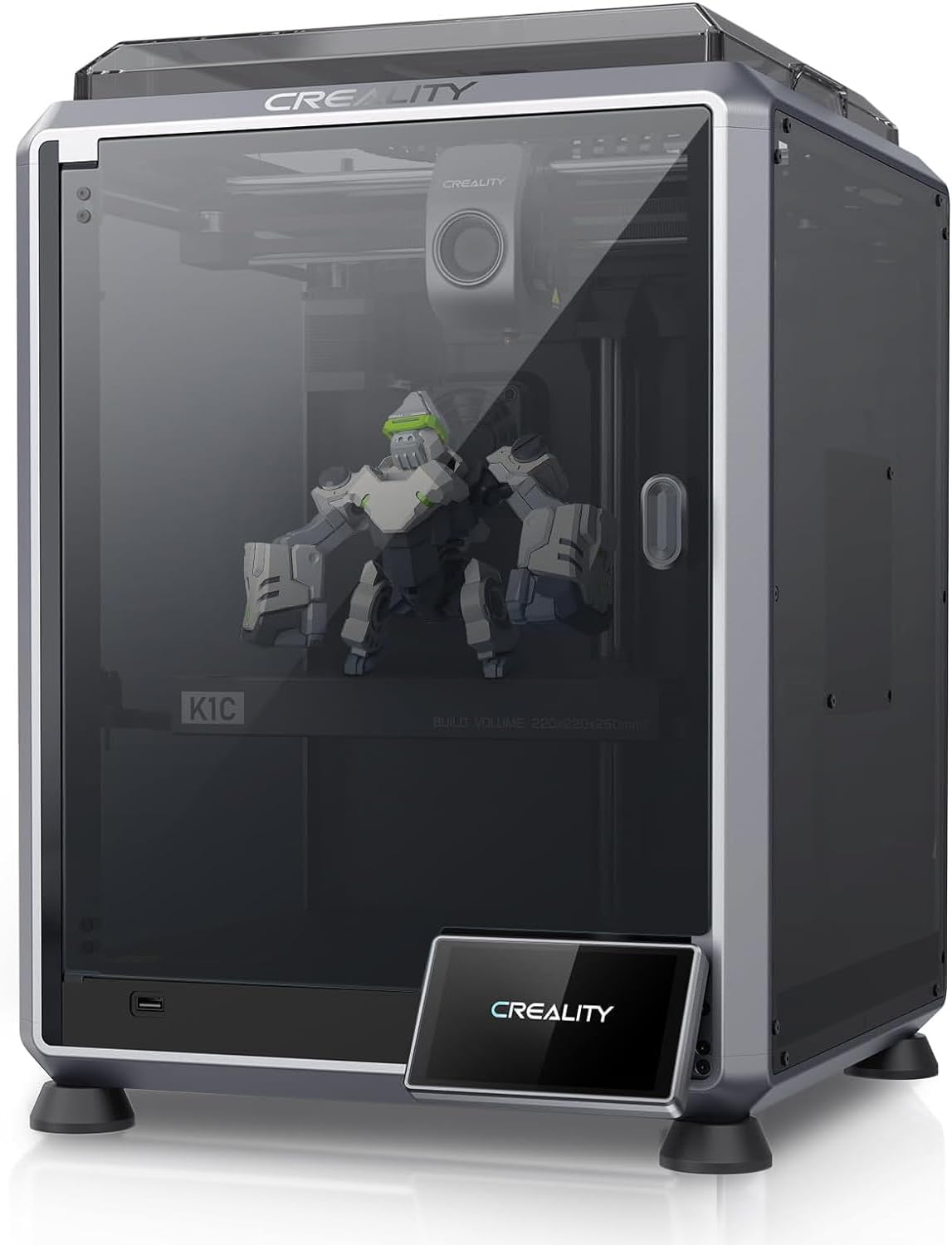
Creality K1C
The K1, made for carbon fiber and abrasives. All-metal hotend, hardened Unicorn nozzle, enclosed CoreXY.
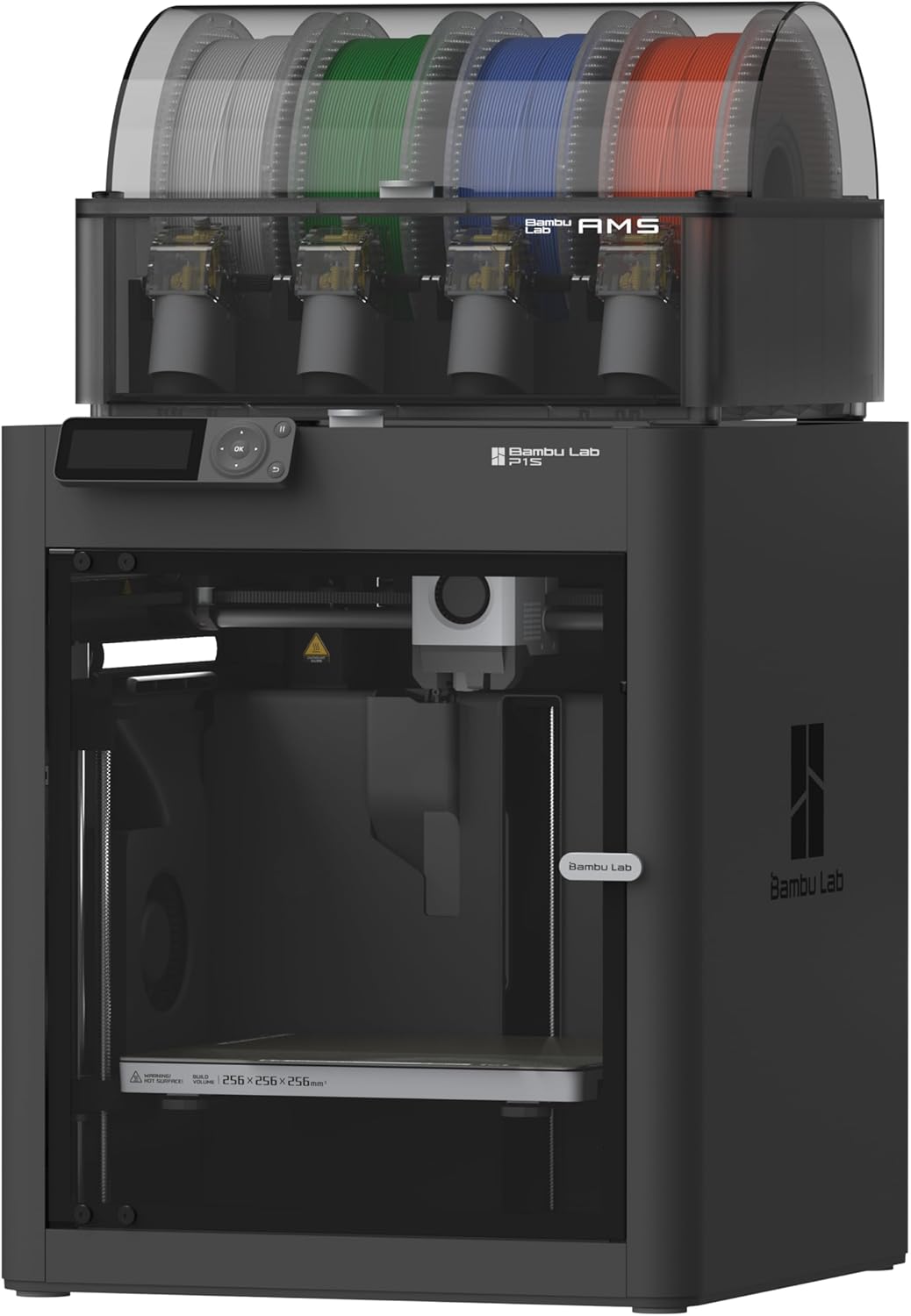
Bambu Lab P1S
CoreXY in a sealed enclosure. ABS and ASA without the enclosure-build weekend.
Why the Ender-3 V3 SE Wins for Most People
At $199, the Ender-3 V3 SE is the cheapest direct-drive printer on this list with auto-leveling, and it earns a “great” TPU rating — one step above the “good” rating several pricier machines carry. The Sprite direct-drive extruder grips TPU reliably, and the 100°C bed handles the mild adhesion requirements flexible filament needs. Print at 25–35mm/s, set the nozzle to 225°C, and the V3 SE produces clean, consistent flexible parts without drama.
What you give up is speed everywhere else. The 250mm/s cap and 2,500mm/s² acceleration mean PLA and PETG prints take longer than on a Bambu or Neptune 4 Pro. There’s no Wi-Fi — files move via microSD card. And the 260°C nozzle ceiling rules out high-temp materials entirely. But for someone who primarily wants to print TPU gaskets, phone cases, and flexible hinges without spending $500, nothing on this list beats the value.
The massive Ender upgrade community is a bonus: dual-gear extruder swaps, better part cooling fans, and Klipper installs are all documented extensively if you eventually want to push further.
When to Pick the Bambu Lab A1 Instead
The Bambu Lab A1 ($339) carries a “good” TPU rating rather than “great,” but it earns its place as the runner-up for a specific type of buyer: someone who prints TPU occasionally and doesn’t want to think about it.
The A1’s fully automatic leveling via load cell, built-in camera, and Bambu Studio slicer make the overall printing experience significantly smoother than the Ender. Bambu’s TPU profiles are well-tuned out of the box — you load the spool, select the material, and the printer handles the rest. The 256mm³ build volume also gives you more room than the V3 SE’s 220×220×250mm envelope, which matters for larger flexible parts like protective covers or wearable components.
The tradeoff: the A1’s “good” rating reflects that it’s a bedslinger running at 500mm/s with 10,000mm/s² acceleration — none of which applies to TPU, where you’re capped at 30–40mm/s regardless. You’re paying for Bambu’s ecosystem and ease of use, not TPU-specific hardware advantages. If TPU is your primary material, the V3 SE’s “great” rating at $140 less is the more honest choice.
The Neptune 4 Pro and K1C: Klipper Machines Worth Considering
The Elegoo Neptune 4 Pro ($260) and Creality K1C ($549) both carry “good” TPU ratings, and both run Klipper-based firmware — which matters more than it sounds.
Klipper’s pressure advance tuning is genuinely useful for TPU. Flexible filament compresses slightly even in a direct-drive setup, and pressure advance compensates for that lag at corners and direction changes. The Neptune 4 Pro’s dual-gear direct drive extruder grips TPU firmly, and the 121-point auto-leveling mesh catches bed irregularities that matter more with flexible parts (which don’t tolerate first-layer gaps the way rigid filaments do). At $260, it’s $61 more than the V3 SE for a meaningfully better extruder and Klipper access.
The K1C is a different machine entirely. It’s an enclosed CoreXY running 600mm/s with 20,000mm/s² acceleration — none of which you’ll use for TPU. What the K1C actually offers a TPU printer is the enclosure (which keeps ambient temperature stable, slightly helpful for very soft TPU grades) and the all-metal hotend with hardened nozzle. If TPU is one of several materials you’re printing — alongside ABS, ASA, or carbon-fiber blends — the K1C handles all of them without swapping hardware. If TPU is your main focus, spending $549 for a machine whose headline features don’t apply to flexible filament is hard to justify.
The A1 Mini and P1S: Honest Assessments
The Bambu Lab A1 Mini ($249) earns a “good” TPU rating, and that’s the right word for it — workable, not exceptional. The 180×180×180mm build volume is the real constraint. Flexible parts often need room: long gaskets, full phone cases, wearable straps. That 180mm cube gets cramped fast. The 80°C bed cap is fine for TPU, and the direct-drive extruder handles it without issue, but the A1 Mini is a printer optimized for small, fast PLA and PETG prints. TPU is possible; it’s just not what this machine was built around.
The Bambu Lab P1S ($599) is the most capable machine on this list by spec sheet — enclosed CoreXY, 500mm/s, 20,000mm/s² acceleration, handles ABS, ASA, and carbon fiber without drama. Its TPU rating is “good,” same as the A1 Mini and K1C. The P1S doesn’t struggle with TPU, but the enclosure that makes it excellent for ABS is neutral-to-mildly-helpful for flexible filament. You’re not buying a P1S for TPU. You’re buying it because you print a wide range of materials and want one machine that handles all of them without compromise. If that’s your situation, the P1S earns its price. If TPU is the primary use case, the V3 SE at $199 does the job at less than a third of the cost.
TPU-Specific Settings That Actually Matter
Hardware gets you to the starting line. Settings get you across the finish.
Temperature: 220–240°C nozzle, 30–45°C bed. Higher bed temps (up to 60°C) improve first-layer adhesion on smooth PEI but aren’t required. Every printer here hits these ranges comfortably.
Speed: 20–40mm/s print speed, 30–50mm/s travel. Retraction should be minimal — 0.5–1mm for direct drive, with retraction speed around 25mm/s. Aggressive retraction causes TPU to stretch and snap back unpredictably.
Cooling: Moderate part cooling. Full fan speed causes layer delamination on flexible parts. Start at 50% and adjust.
First layer: Slow down to 15–20mm/s. TPU’s flexibility means a slightly under-extruded first layer won’t bond properly, and you won’t know until the part peels off mid-print.
What You Still Need to Buy
The printer is the start, not the finish.
A filament dryer. This is non-negotiable for TPU. A basic unit like the Sunlu S1 or Creality Filament Dryer Box runs $25–40 and pays for itself on the first spool you don’t ruin. Run it at 45–50°C for 4–6 hours before printing, and keep the spool in the dryer during the print if your setup allows.
A good TPU spool. Not all TPU is the same. 95A Shore hardness is stiffer and more forgiving to print; 85A is softer and more flexible but needs slower speeds and more careful retraction tuning. Polymaker PolyFlex TPU95 and Bambu Lab’s own TPU are well-regarded starting points. See the filament hub for a broader breakdown.
Glue stick or PEI sheet. TPU sticks well to PEI but can bond too well on textured PEI at higher bed temps. A light glue stick layer acts as a release agent. Smooth PEI with a thin glue coat is the most reliable combination across all six printers here.
Buy the Ender-3 V3 SE (~$199) if:
- TPU is your primary or only flexible filament
- You want the best TPU-specific rating at the lowest price
- You don’t need Wi-Fi and are comfortable with SD card workflow
- You want upgrade headroom without a proprietary ecosystem
Buy the Bambu Lab A1 (~$339) if:
- You print TPU occasionally alongside PLA and PETG
- You want Bambu’s auto-everything experience and don’t want to tune profiles
- Build volume matters — 256mm³ vs the Mini’s 180mm³
Buy the Elegoo Neptune 4 Pro (~$260) if:
- You want Klipper’s pressure advance for dialing in TPU corners
- You’re comfortable with intermediate-level setup and tuning
- You want dual-gear grip and a larger build volume than the V3 SE
Buy the Creality K1C ($549) or Bambu Lab P1S ($599) if:
- TPU is one of several materials — ABS, ASA, CF blends — you’re running regularly
- You want one machine that handles everything without hardware swaps
- The TPU-specific rating (“good”) is acceptable because the rest of the spec sheet earns the price
For a deeper look at which TPU filaments actually print well across these machines, see Best TPU Filament .