CoreXY Is the Architecture Most People Should Want
Bedslingers (the standard Cartesian printers — Ender 3, Prusa MK4, Bambu A1) move the print bed back and forth in Y. Every move, the entire mass of your half-printed model accelerates and decelerates. At low speeds, that’s fine. At 300+mm/s, that mass causes ringing, ghosting, and layer shifts.
CoreXY fixes this by keeping the bed stationary on Y — only the lightweight toolhead moves on X and Y. The bed only moves down on Z. Less mass moving = higher accurate speeds + cleaner walls.
Below: every CoreXY in our database under $600.
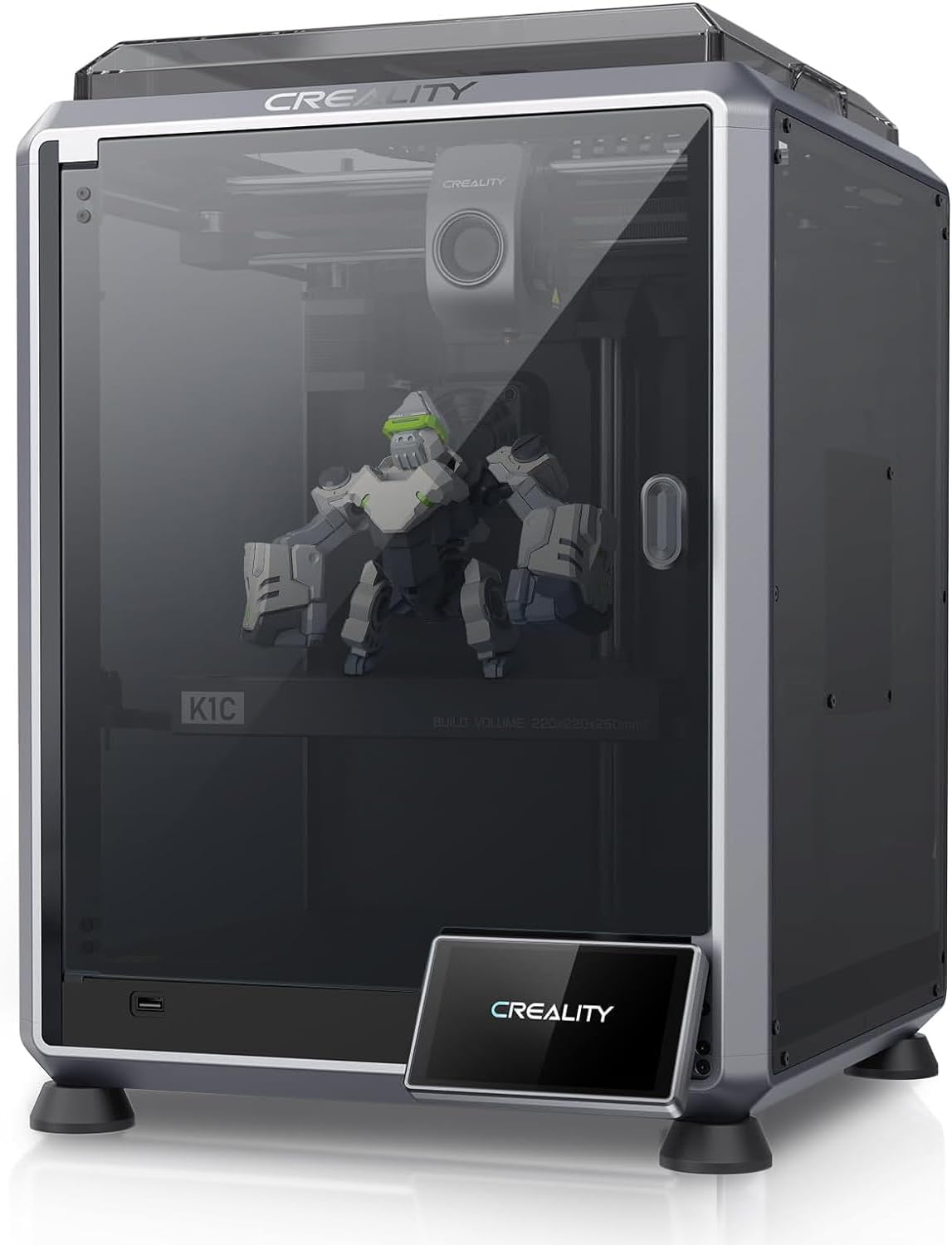
Creality K1C
The K1, made for carbon fiber and abrasives. All-metal hotend, hardened Unicorn nozzle, enclosed CoreXY.
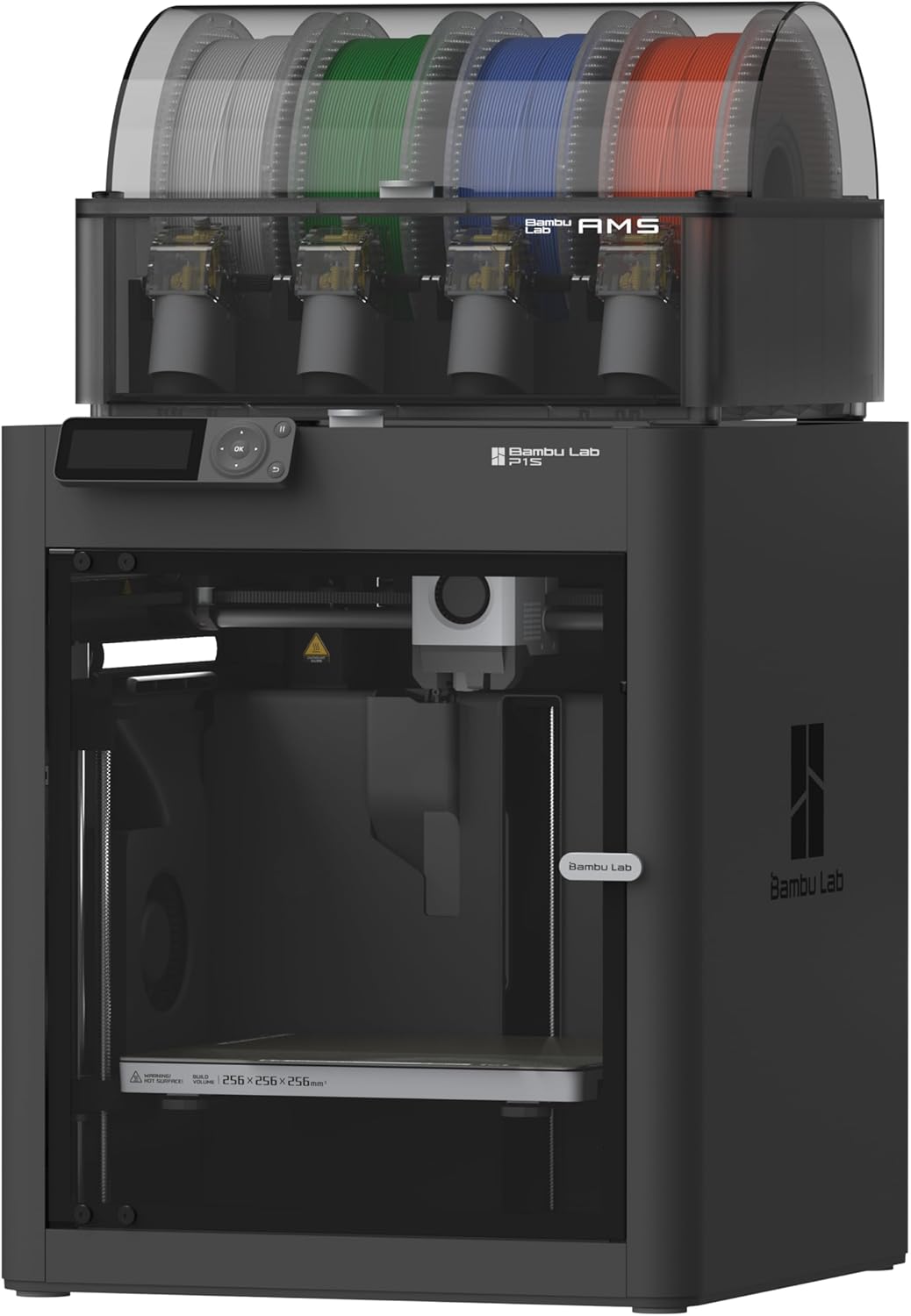
Bambu Lab P1S
CoreXY in a sealed enclosure. ABS and ASA without the enclosure-build weekend.
The Bambu P1S: The Multi-Color Default
At $599, the Bambu P1S is one of the most affordable fully-enclosed CoreXYs worth buying. It hits 500mm/s with input shaping, has automatic bed leveling, and the Bambu Studio workflow is the most polished slicer experience available. AMS-ready means you can add multi-color later.
If you want AMS multi-color and an enclosed CoreXY for under $600, this is the answer in 90% of cases.
The Creality K1C: The CF-Ready Pick
At around $549, the K1C is technically a CoreXY (CoreXZ specifically) and ~$50 cheaper than the P1S. You get:
- Unicorn hardened nozzle (CF-ready out of box, P1S needs an upgrade)
- Klipper-based firmware (Creality OS, locked but more open than Bambu’s)
- Camera + AI failure detection
The compromises vs P1S:
- Smaller build volume (220×220×250mm vs 256³)
- Louder
- Less refined Bambu Studio workflow
- AMS not supported (multi-color is off the table)
For a single-color carbon-fiber-focused workflow, the K1C wins on hardware value. For multi-color or Bambu polish, the P1S is worth the small premium.
What You Lose Below $500
Below this price point, you’re looking at bedslingers (Ender 3 V3 SE, A1 Mini, Neptune 4 Pro). They’re great printers — but they’re not CoreXY. If speed and accuracy at speed matter, you need to spend at least ~$549 for the K1C.
What You Gain Above $600
Above $600, you start seeing:
- Bambu X1 Carbon (~$1400) — LIDAR scanning, AI flow calibration, 600mm/s
- Voron 2.4 / Trident kits (~$1400) — Open source, infinitely modifiable
- Prusa CORE One (when available) — Prusa quality, fully-enclosed
For 90% of buyers, the gains above $600 are diminishing returns. The P1S is genuinely the value-per-dollar sweet spot in CoreXY printing.
For a deeper side-by-side, check our P1S vs K1C compare page .