Klipper Out of the Box Is Now a Thing
Klipper used to mean: buy a Raspberry Pi, flash firmware, copy printer.cfg from someone’s Reddit post, debug for a weekend, and finally get input shaping working. That’s still an option, but in 2026 you can just buy a printer that ships with Klipper preconfigured.
Below: printers in our database running Klipper or Klipper-based firmware out of the box.
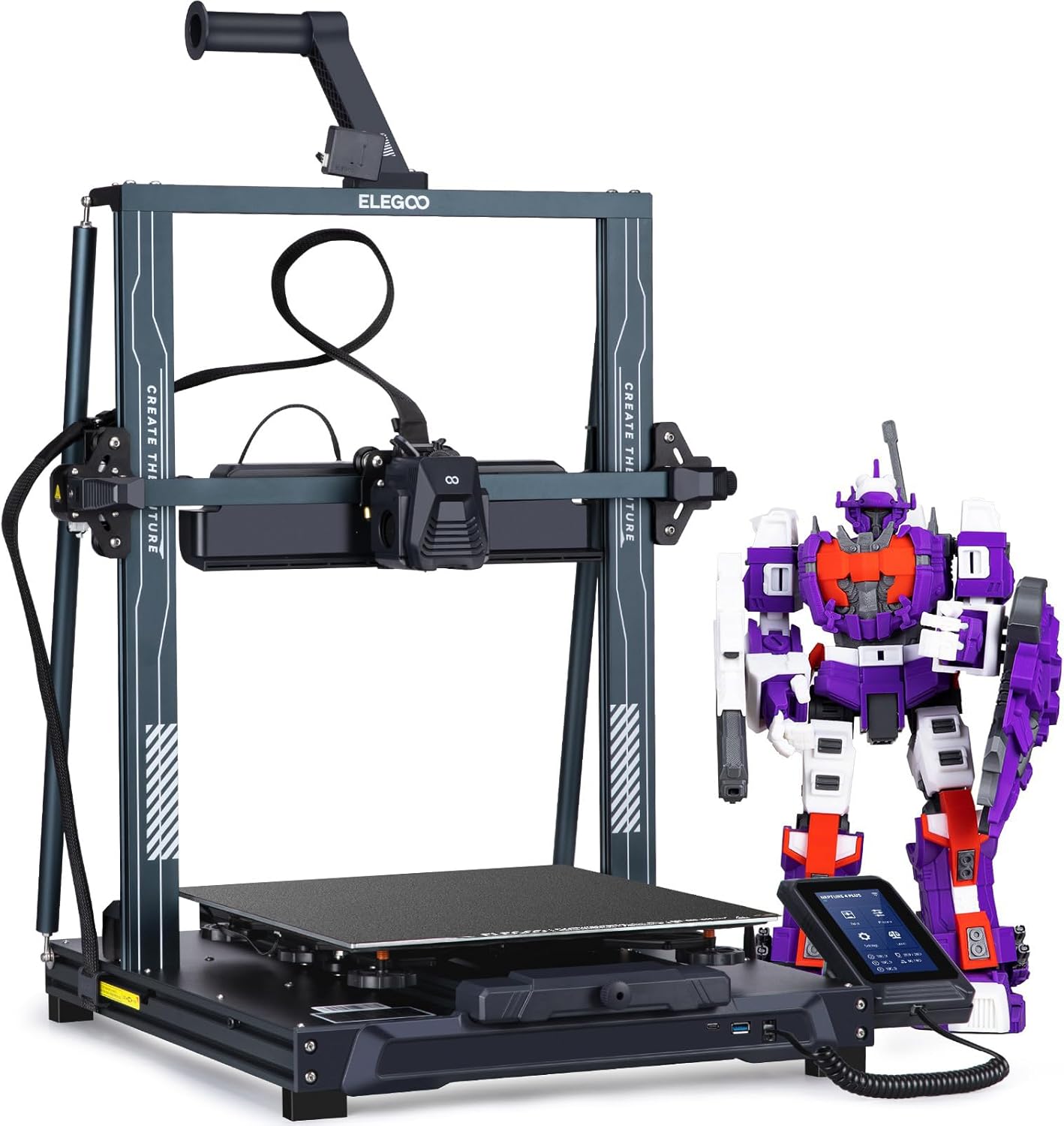
Elegoo Neptune 4 Pro
Klipper out of the box, dual-gear direct drive, and a 500mm/s top speed under $300. The price-to-performance king.
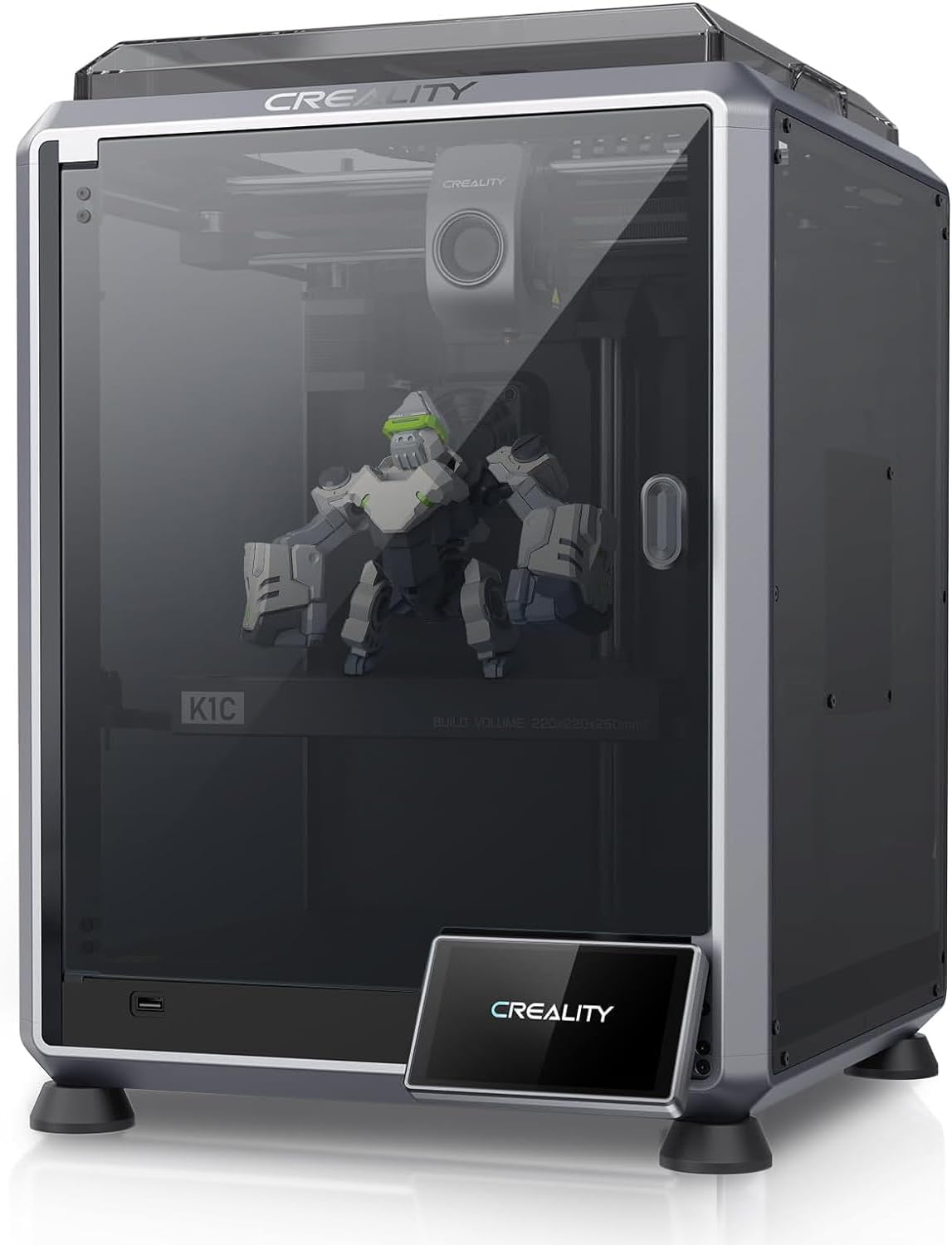
Creality K1C
The K1, made for carbon fiber and abrasives. All-metal hotend, hardened Unicorn nozzle, enclosed CoreXY.
Elegoo Neptune 4 Pro: The “Klipper-Adjacent” Budget Pick
The Neptune 4 Pro at around $260 runs Elegoo’s Klipper fork — Klipper-based but locked to Elegoo’s specific build. You can’t freely upgrade Klipper/Moonraker/Fluidd without breaking the printer (Elegoo explicitly warns against it). Community projects like OpenNept4une exist if you want to unlock it, but they void warranty.
What you do get out of the box:
- Input shaping and pressure advance (real Klipper benefits)
- Mainsail-style web interface
- 121-point auto-leveling
- 110°C bed (highest in the class)
Compromises: the Neptune 4 Pro is a bedslinger (so 500mm/s is more aspirational than reliable), the bed plate is mediocre, and the firmware lock-in surprises buyers expecting “real” Klipper.
Creality K1C: Klipper-Flavored, Also Locked Down
The K1C at around $549 runs Creality OS, which is Klipper underneath but with the file system locked. You get the speed benefits (input shaping, pressure advance, 600mm/s capability) without being able to easily edit configs.
For most users, that tradeoff is fine — the K1C is faster, more accurate, and more fun out of the box than the Neptune 4 Pro. Both are “Klipper” in the sense that matters (speed and quality features); neither is fully open.
For genuinely-unlocked Klipper, you’re looking at DIY (Voron, Sovol SV08) or aftermarket flashing.
What About the K1 Max, Sovol SV08, etc?
We only include printers in our database (10 currently). Other genuinely-Klipper printers worth knowing:
- Creality K1 Max ($600+) — bigger build volume, same locked-Klipper Creality OS
- Sovol SV08 ($499) — Voron 2.4 clone running Klipper, fully open
- Qidi Q1 Pro / X-Plus 3 ($499-$799) — Klipper-based with active chamber heating
We’ll add these as they mature. For now, if you want Klipper today, the Neptune 4 Pro for openness or the K1C for speed-out-of-box.
When Klipper Isn’t Worth It
If you’re printing PLA at 100mm/s, you won’t notice Klipper. The speed gains require the right kinematics (CoreXY shines), the right hotend (high flow), and the right materials. Buying Klipper for a slow workflow is like buying a sports car for a school run — fun, but pointless.
For a slower-but-easier alternative, see Bambu A1 vs Ender 3 V3 SE — neither runs Klipper but both produce great prints at moderate speeds.