Multi-Color in 2026: It’s Basically Bambu
Five years ago, multi-color 3D printing meant tinkering with Mosaic Palette, dealing with splice failures, and accepting hour-long calibration. Bambu broke that ceiling — their AMS makes 4-color printing as easy as picking colors in the slicer.
Below are the printers in our database that support real multi-color workflows out of the box (or with the official AMS / AMS Lite add-on).
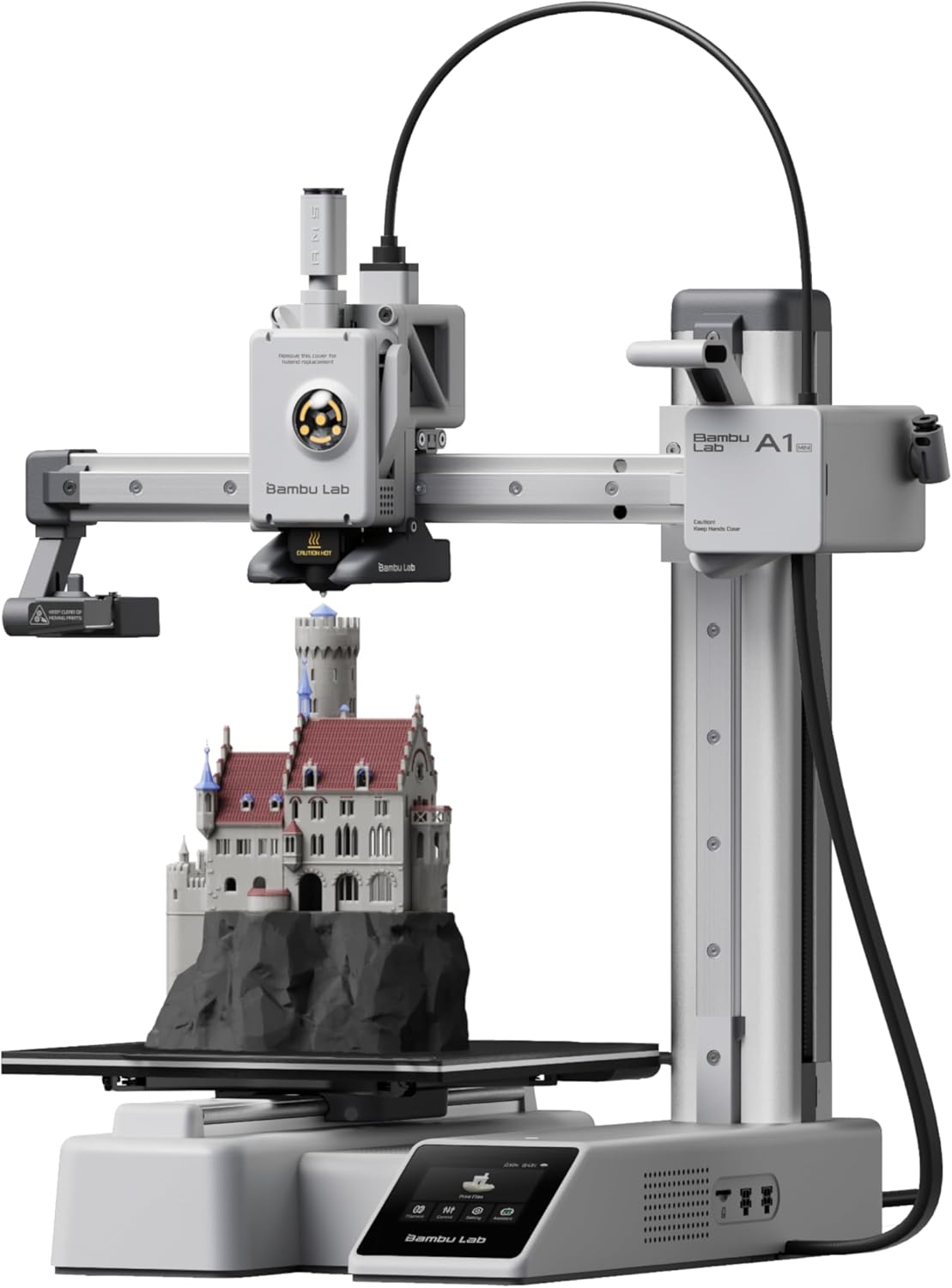
Bambu Lab A1 Mini
The cheapest way to get the Bambu experience. 180mm cube of build volume, all the auto-everything, around $249.
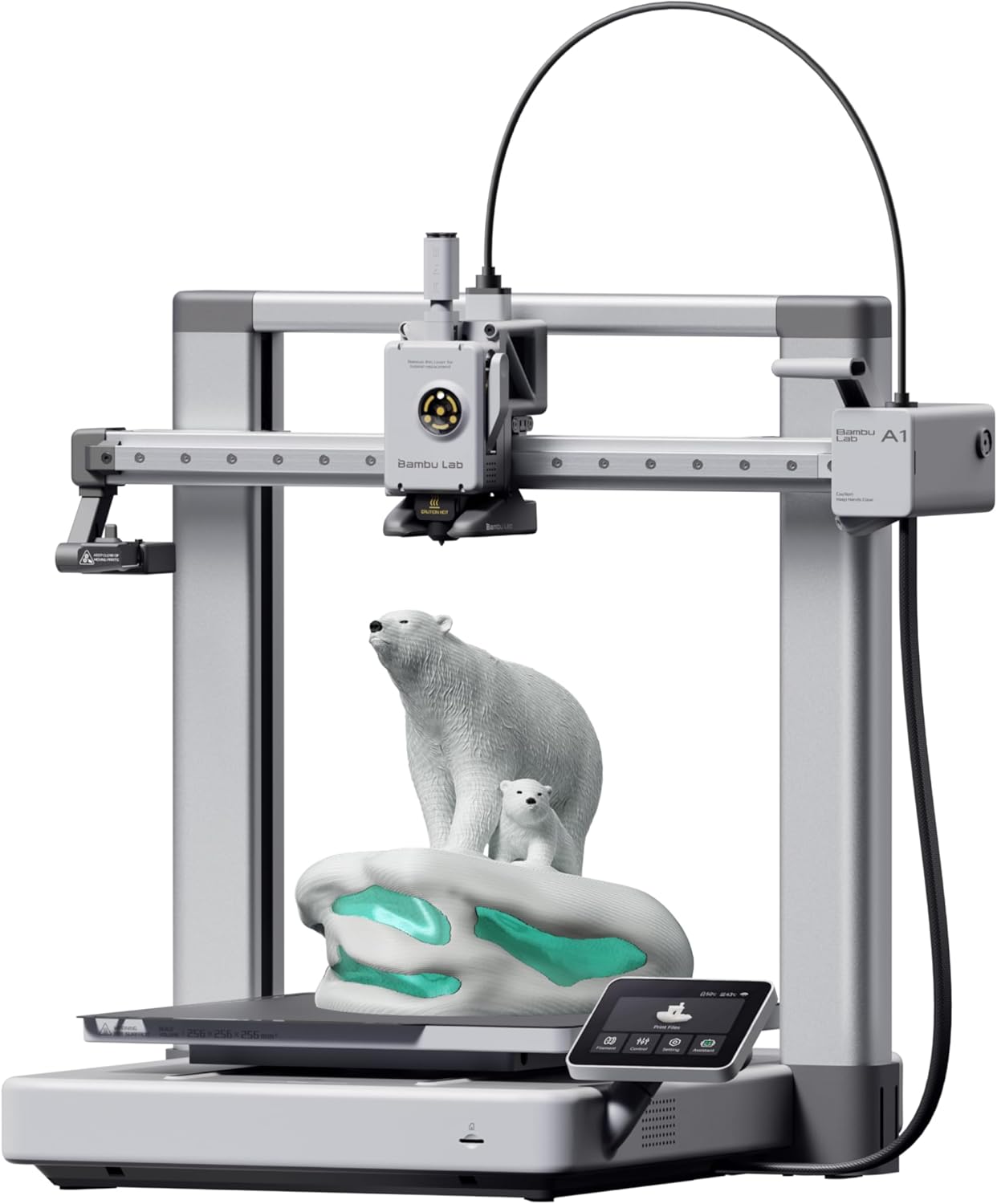
Bambu Lab A1
The bedslinger that beat the CoreXYs at their own game. Auto-everything, multi-color via AMS Lite, and a camera baked in.
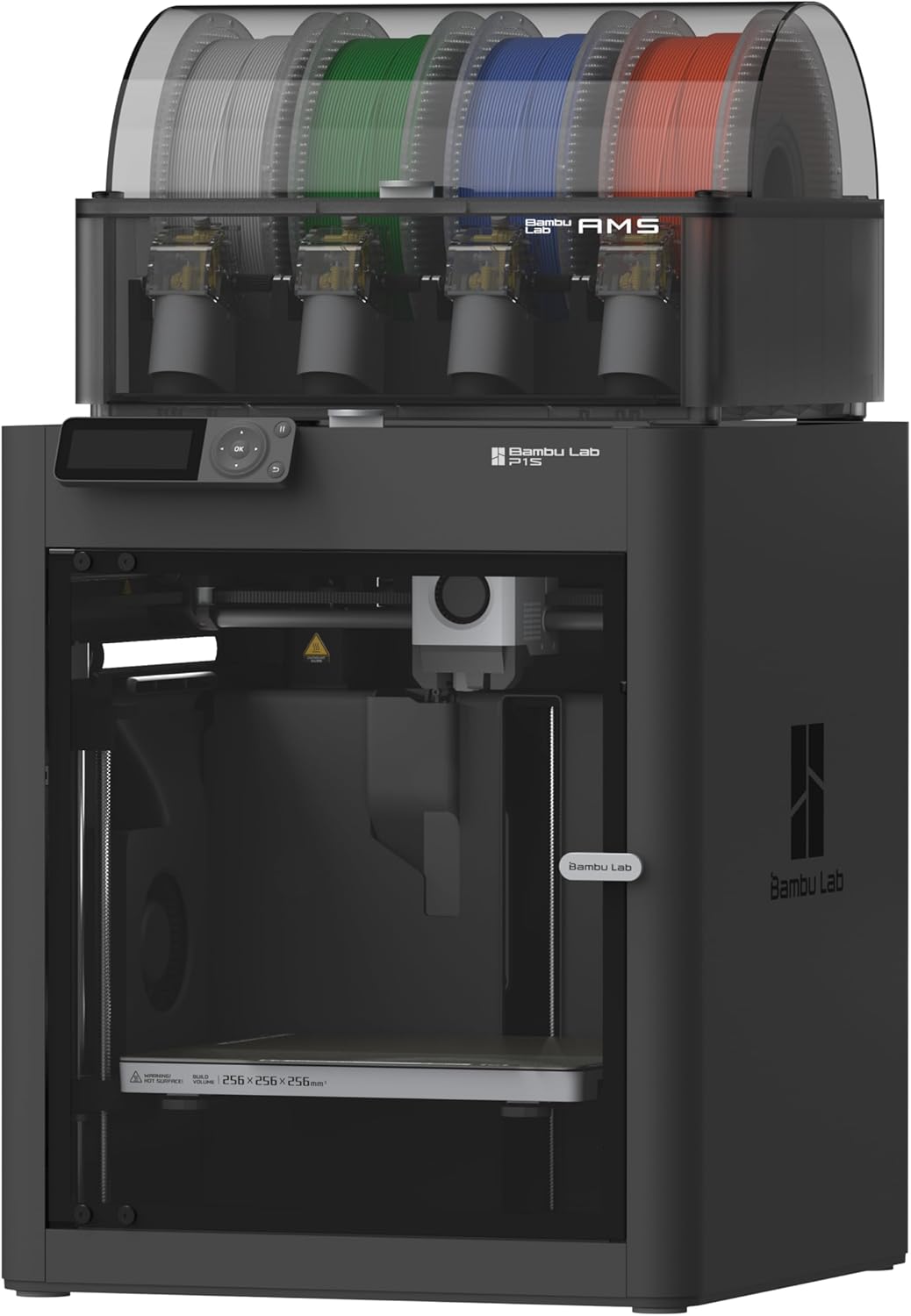
Bambu Lab P1S
CoreXY in a sealed enclosure. ABS and ASA without the enclosure-build weekend.
A1 Mini + AMS Lite: The Cheapest Way In
For most beginners, the Bambu Lab A1 Mini + AMS Lite combo is the right call. The Mini is around $249, the AMS Lite is $250, and you’re at roughly $499 total for genuine 4-color printing on a printer that auto-levels and self-calibrates. Compared to a Prusa MK4 + MMU3 setup at $1,500+, it’s not close.
The catch: 180mm³ build volume gets cramped fast for multi-color models that need separation between color zones.
A1 + AMS Lite: The Sweet Spot for Most People
The full-size Bambu A1 + AMS Lite at around $589 total ($339 printer + $250 AMS Lite) gives you 256mm cube build volume — enough room for actually-large multi-color prints — same auto-everything ease as the Mini, plus a built-in camera. This is what we’d buy if multi-color is the primary use case and budget is the constraint.
P1S + AMS: The Engineering Pick
The P1S with full AMS ($849+) adds:
- Enclosed chamber (multi-color ABS/ASA prints work, not just PLA)
- True CoreXY speed
- AMS handles thicker / abrasive filaments better than AMS Lite
If you’ll print multi-color functional parts (not just figurines), the P1S is the right level.
The Real Cost Of Multi-Color
Buying the printer is half the equation. The other half:
- Filament burn — expect 30-50% of every print to purge into a tower or infill
- Print time — 4-color prints take 2-4× longer than single-color
- Filament storage — 4+ open spools = humidity headaches; budget for a filament dryer or sealed dry boxes
If you’re not committed to actually using multi-color regularly, save the $250 and start with a single-color setup. You can always add the AMS later — every printer in this roundup is AMS-upgradable.