$60 Separates These Two — But the Gap Is Bigger Than the Price
Both the Creality Ender-3 V3 SE and the Elegoo Neptune 4 Pro are budget bedslingers with direct-drive extruders, automatic bed leveling, and a build volume in the 220–225mm range. On a spec sheet they look like siblings. In practice, the $61 price gap — $199 vs $260 — buys you a meaningfully different machine.
The short version: the Ender-3 V3 SE is the easiest, cheapest entry into auto-leveling FDM. The Neptune 4 Pro is what you buy when you want Klipper’s tuning tools and a hotend that won’t tap out at 260°C. Neither is wrong. One is probably right for you.
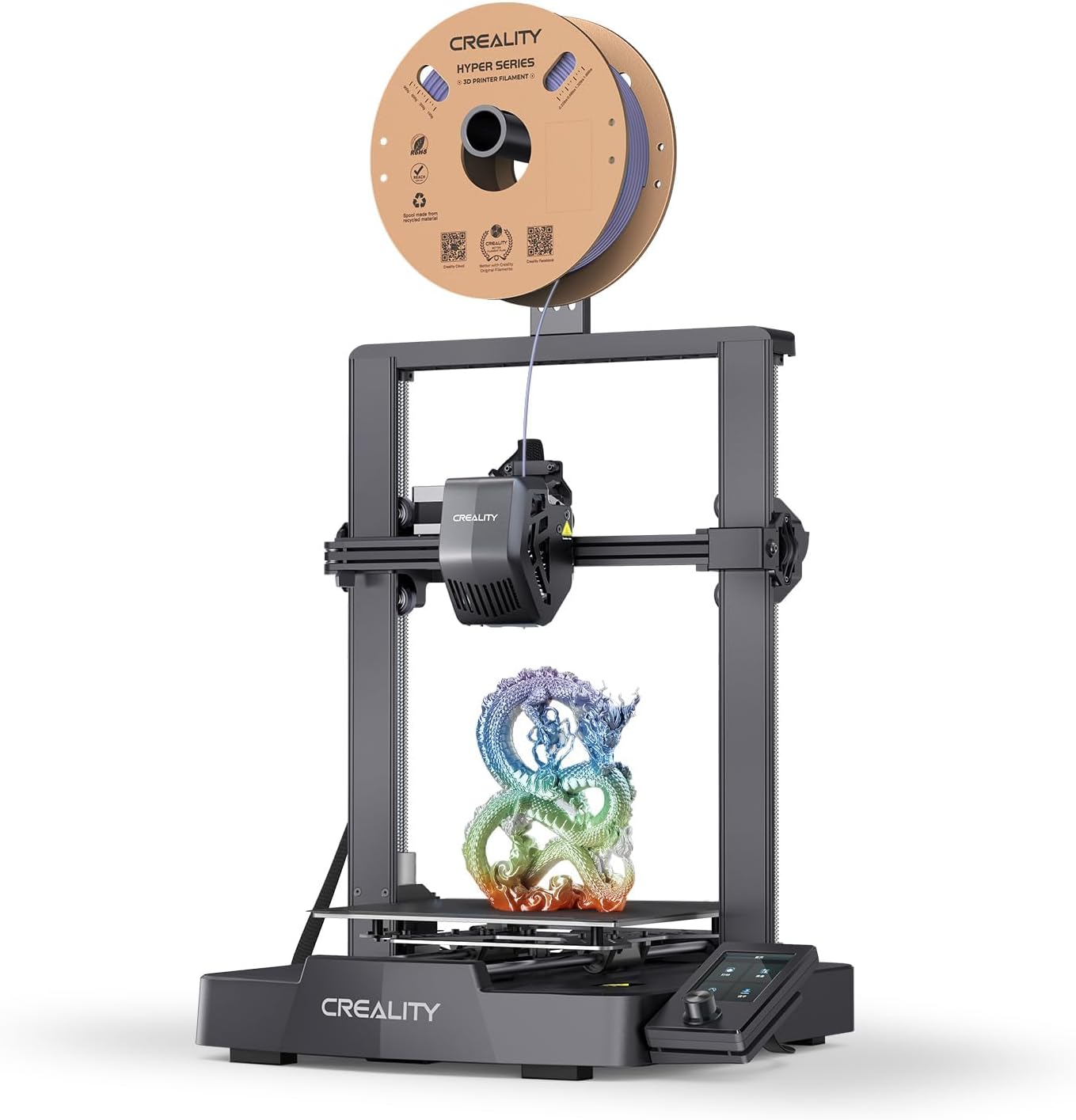
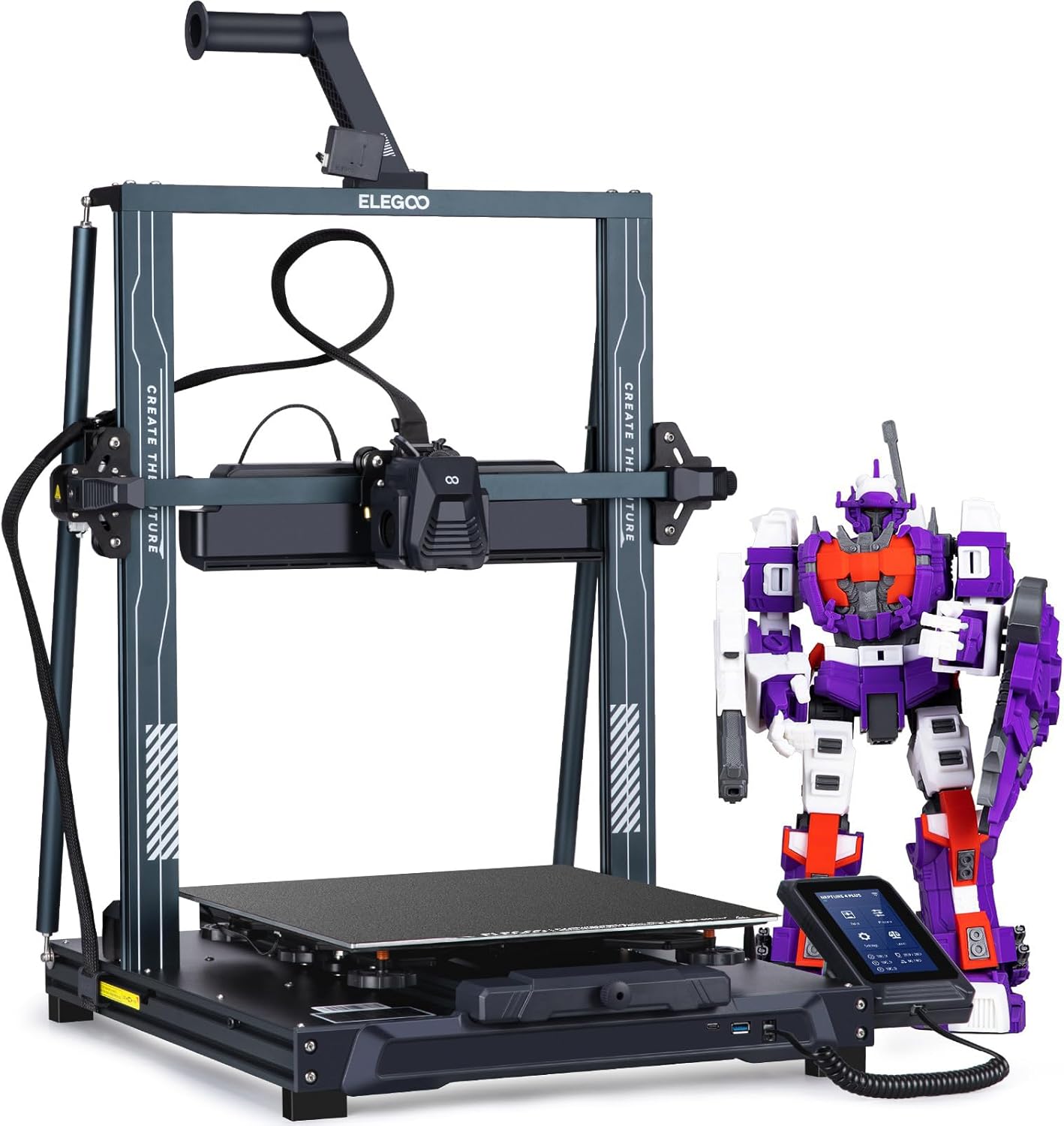
| Spec | Creality Ender-3 V3 SE | Elegoo Neptune 4 Pro |
|---|---|---|
| Build Volume | 220×220×250mm | 225×225×265mm |
| Kinematics | Bedslinger (Cartesian) | Bedslinger (Cartesian) |
| Max Speed | 250 mm/s | 500 mm/s |
| Max Nozzle Temp | 260°C | 300°C |
| Max Bed Temp | 100°C | 110°C |
| Extruder | Direct drive (Sprite) | Dual-gear direct drive |
| Leveling | CR Touch (automatic) | Automatic (121-point) |
| Chamber | Open | Open |
| Firmware | Marlin | Klipper (Elegoo fork, locked) |
| Camera | None | Optional (sold separately) |
Firmware: Marlin vs Klipper — and Why It Actually Matters
This is the axis that drives most of the real-world difference between these two machines.
The Ender-3 V3 SE runs Marlin. Marlin is mature, well-documented, and perfectly capable of producing excellent prints. It’s also static — what ships on the printer is what you get, and tuning options like input shaping require reflashing custom firmware. For a first-time buyer who wants to load a file and print, that’s fine.
The Neptune 4 Pro ships with Klipper — Elegoo’s own fork, which means the config is partially locked down, but the core Klipper features are intact. Input shaping (resonance compensation) and pressure advance are both accessible out of the box. Input shaping directly reduces ringing and ghosting at higher speeds; pressure advance cleans up corners and reduces blobbing. These aren’t marginal improvements. On a bedslinger running at 250mm/s or above, they’re the difference between a print that looks dialed-in and one that looks like it was printed fast.
The tradeoff: Elegoo’s locked fork means you can’t drop in a full vanilla Klipper config or easily run Moonraker the way you would on a self-built machine. Tinkerers who want total control will find the guardrails annoying. But for someone who wants Klipper’s print-quality benefits without building a printer from scratch, the Neptune 4 Pro delivers.
The Ender-3 V3 SE’s Marlin firmware is not a dealbreaker — millions of great prints have come off Marlin machines. It’s just a ceiling.
Speed and Motion Quality
The Ender-3 V3 SE’s top speed is 250mm/s with 2,500mm/s² acceleration. The Neptune 4 Pro’s top speed is 500mm/s with 20,000mm/s² acceleration. Those numbers are not comparable.
In real printing, the Ender-3 V3 SE runs comfortably at 150–200mm/s before ringing becomes visible on detailed parts. The Neptune 4 Pro, with input shaping active, can sustain 250–350mm/s with cleaner output than the Ender produces at its ceiling. Travel moves on the Neptune 4 Pro at high acceleration are audibly different — the machine sounds like it means business.
That said, both are bedslingers. The bed moves on the Y axis, and at high speeds the mass of the print bed creates inertia that no amount of input shaping fully eliminates. Neither machine will match a CoreXY at equivalent speeds. If you’re printing tall, heavy parts and want to run fast, a CoreXY is the right architecture — but that’s a different price bracket.
For the buyer choosing between these two specifically: the Neptune 4 Pro is meaningfully faster in practice, and the quality at speed is better. The Ender-3 V3 SE is not slow for a $199 printer — it just has a lower ceiling.
Hotend and Material Compatibility
This is where the gap between these two machines is most concrete.
| Material | Ender-3 V3 SE | Neptune 4 Pro |
|---|---|---|
| PLA / PLA+ | Perfect | Perfect |
| PETG | Great | Great |
| TPU | Great | Good |
| ABS | Limited | Limited |
| ASA | Limited | Limited |
| Carbon-fiber blends | Incompatible | Limited |
The Ender-3 V3 SE’s Sprite extruder caps at 260°C. That’s enough for PLA, PLA+, PETG, and TPU without issue. It’s not enough for reliable ABS or ASA — and those materials also need an enclosure neither printer has. For carbon-fiber blends, 260°C is below what most CF-PETG and CF-Nylon profiles call for, and the stock brass nozzle will wear out fast. The Ender-3 V3 SE is rated incompatible with CF filaments, and that’s the right call.
The Neptune 4 Pro’s all-metal hotend reaches 300°C, which opens the door to CF-PETG and some CF-PA blends — with a hardened-steel nozzle swap. A brass nozzle that lasts six months on PLA will be unusably worn after two spools of CF. The Neptune 4 Pro is rated “limited” for CF, not “great,” because the open frame still constrains what you can reliably do. But “limited” is a different category than “incompatible.”
Both printers are rated limited for ABS and ASA. That’s not a knock on either machine — it’s physics. Open frames lose chamber heat. If ABS or ASA is your primary material, neither of these is the right printer. Look at an enclosed machine.
TPU is worth noting: the Ender-3 V3 SE rates “great” and the Neptune 4 Pro rates “good.” Both have direct-drive extruders, which is the right setup for flexible filaments. The Ender’s Sprite extruder has a slightly tighter filament path that handles very soft TPU (Shore 85A and below) a bit more predictably. Not a decisive difference, but worth knowing if you print a lot of flexible parts.
Connectivity and Monitoring
The Ender-3 V3 SE connects via USB and microSD. No Wi-Fi. File transfer means walking a card to the printer, which is a workflow some people genuinely don’t mind and others find immediately annoying. There’s no camera option listed.
The Neptune 4 Pro has Wi-Fi, USB, and LAN. You can send files from the slicer directly to the printer and monitor jobs remotely. A camera is sold separately — it’s not included — but the infrastructure to use one is there.
If your printer lives in a different room from your workstation, the Ender-3 V3 SE’s SD-only workflow will get old. If it’s on the desk next to you, it’s a non-issue.
Bed Leveling
Both printers have automatic bed leveling, but the implementations differ. The Ender-3 V3 SE uses CR Touch — a proven probe that’s been on Creality machines for years. It works reliably and the community knows how to troubleshoot it.
The Neptune 4 Pro uses a 121-point mesh. More probe points means a more accurate picture of bed warpage, which matters on larger beds that develop uneven heat distribution over time. In practice, both machines level well enough that first-layer failures from leveling are rare on either. The Neptune 4 Pro’s mesh is more thorough; the Ender-3 V3 SE’s CR Touch is more battle-tested.
The Buy Recommendation
Buy the Ender-3 V3 SE ($199) if:
- This is your first 3D printer and you want the lowest-friction entry point
- Your material diet is PLA, PLA+, PETG, and occasional TPU — nothing exotic
- You don’t need Wi-Fi and are comfortable with SD card workflow
- You want the largest upgrade and parts community in budget FDM
- The $61 price difference matters to your budget
Buy the Neptune 4 Pro ($260) if:
- You want Klipper’s input shaping and pressure advance without building your own printer
- You plan to experiment with CF-PETG or other higher-temp materials and will swap to a hardened nozzle
- Wi-Fi file transfer and remote monitoring are part of how you work
- You’re comfortable with intermediate-level tinkering and want room to grow
- Print speed and quality at speed are priorities
For most people buying their first printer, the Ender-3 V3 SE is the right call — it’s cheaper, simpler, and has an enormous support community. But if you’ve already been around the block once and know you’ll want Klipper’s tuning tools, the Neptune 4 Pro’s $61 premium pays for itself in print quality before the first spool is done.
For a deeper look at how the Neptune 4 Pro stacks up against Bambu’s entry-level machines, see Bambu Lab A1 Mini vs Elegoo Neptune 4 Pro .