Two Enclosed CoreXYs at Similar Prices
The Creality K1C (around $549) and Bambu Lab P1S ($599) are the two best enclosed CoreXY printers under $700. They look similar, perform similarly, and now sit only ~$50 apart in current pricing.
The differences are philosophical: K1C is the Klipper-based tinker box that ships hardened-nozzle-ready for carbon fiber. The P1S is the polished closed-ecosystem product with AMS multi-color and the most refined out-of-box workflow available.
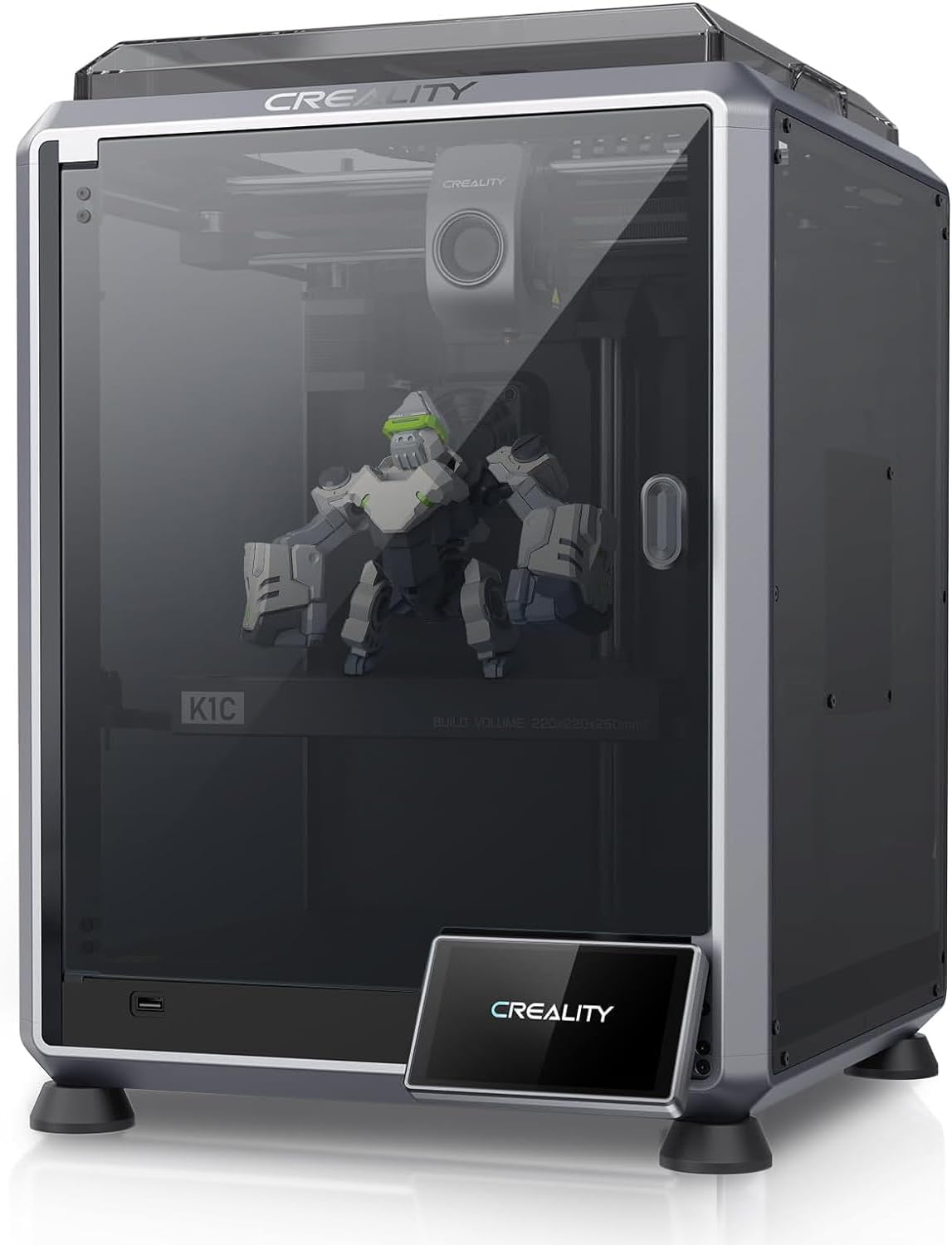
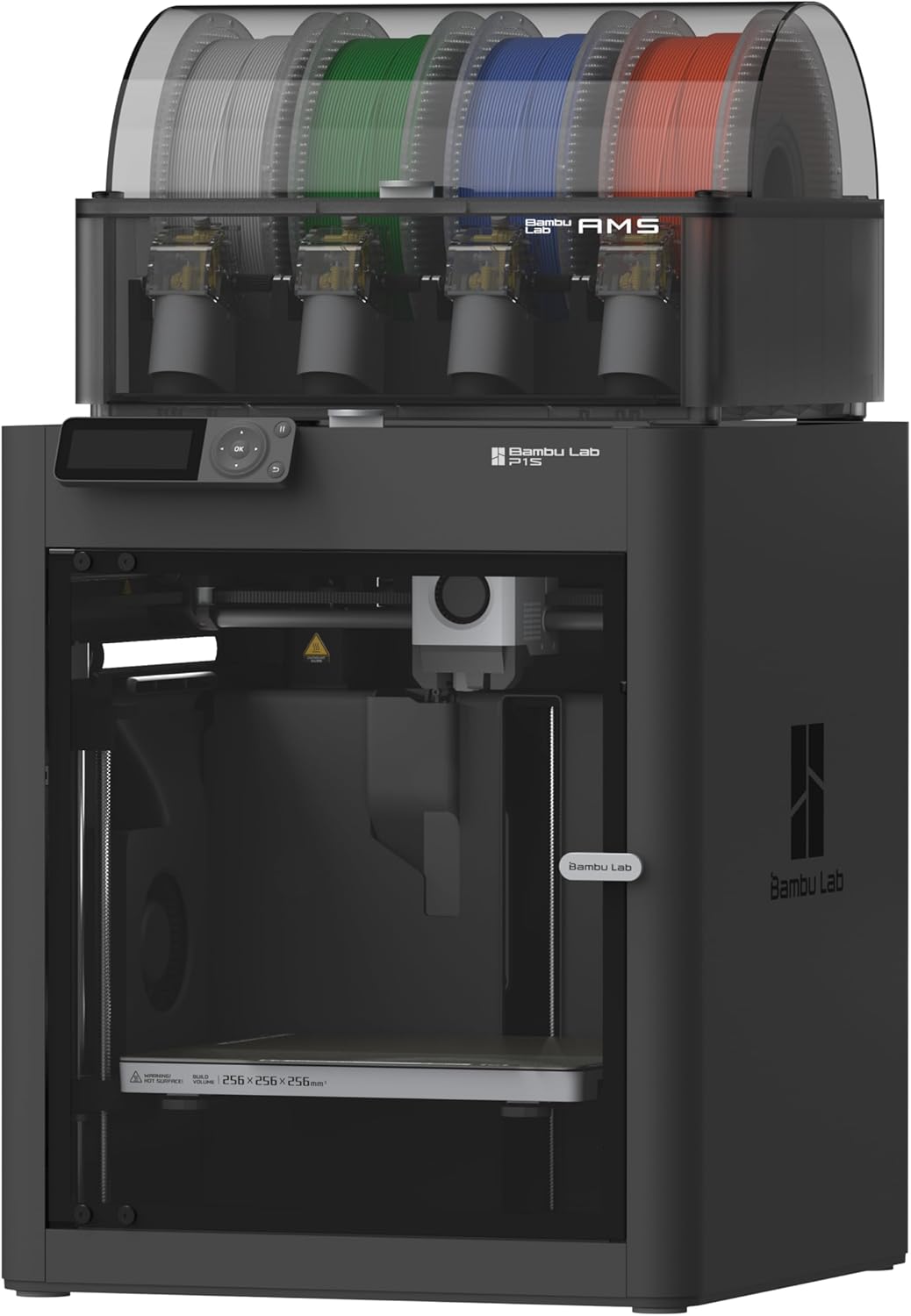
| Spec | Creality K1C | Bambu Lab P1S |
|---|---|---|
| Build Volume | 220×220×250mm | 256×256×256mm |
| Kinematics | CoreXY | CoreXY |
| Max Speed | 600 mm/s | 500 mm/s |
| Max Nozzle Temp | 300°C | 300°C |
| Max Bed Temp | 100°C | 100°C |
| Extruder | All-metal dual-gear direct drive | Direct drive |
| Leveling | Fully automatic | Fully automatic (load cell) |
| Chamber | Enclosed | Enclosed (active cooling) |
| Firmware | Creality OS (Klipper-based, locked) | Bambu (proprietary) |
| Camera | Built-in (1080p AI camera) | Built-in 720p |
Speed: K1C Wins on Paper, Tied in Practice
- K1C: 600mm/s max
- P1S: 500mm/s max
The K1C is the faster printer on paper. In practice, you can’t print at 600mm/s on most models — overhangs fail, layers don’t bond, surface quality suffers. Both printers settle into the 200-300mm/s range for everyday work.
The K1C’s edge is in acceleration (20,000 mm/s²), which means it spends less time ramping up between moves. Combined with input shaping, it produces clean walls at high speed.
The P1S has more refined motion tuning out of the box. Less user effort required to get great results.
Hardened Nozzle Out of the Box
The K1C ships with Creality’s Unicorn nozzle (tri-metal: copper body + titanium heat break + steel tip) standard. This means:
- Carbon fiber filaments work day one
- Glow-in-the-dark filaments (which contain abrasive phosphor) work day one
- Wood-fill, marble-fill, anything with particles — all fine
The P1S ships with a brass nozzle. To match the K1C’s CF-readiness, you’d add a $25 hardened nozzle and 30 minutes of swap time.
If you intend to print abrasive materials, the K1C saves you the upgrade.
Multi-Color: P1S Only
The K1C is single-extruder only. The P1S supports the full Bambu AMS for 4-color (or 16-color chained).
If multi-color is on your radar — even as a “maybe later” — the K1C is off the table. Only the P1S supports it.
Build Volume: P1S Wins
- K1C: 220×220×250mm
- P1S: 256×256×256mm
P1S is meaningfully bigger — 35mm wider in X/Y. For functional parts, cosplay, or larger models, P1S has the edge.
Firmware: Klipper-Based vs Closed
K1C runs Creality OS, which is Klipper underneath but with the file system locked. You get speed benefits (input shaping, pressure advance) without the ability to easily edit configs. There are root mods to unlock it, but you void the warranty.
P1S runs Bambu’s proprietary firmware. Closed-source, no SSH, no community mods. The trade is a more polished out-of-box experience.
If you value openness and tinkering, K1C. If you value polish and not-thinking-about-it, P1S.
Workflow: Bambu Studio Wins
This is where the P1S earns most of its premium. Bambu Studio + Cloud is the most polished slicer and printer-management experience available, period. One-click cloud printing, mobile monitoring via Bambu Handy, AMS color mapping in the slicer — it’s a full ecosystem.
The K1C ships with Creality Print (mediocre slicer) or you use Orca Slicer (Bambu Studio fork, excellent but requires manual setup). Klipper Mainsail UI is great if you SSH-mod the printer.
For non-tinkering use, the P1S workflow is meaningfully better.
The Buy Recommendation
Buy the K1C (~$549) if:
- Carbon fiber / abrasive filaments are on your list (Unicorn nozzle is huge — saves you a hardware swap on day one)
- You want Klipper-based firmware (even if locked)
- You’re fine with single-color printing
- Tinkering is part of the appeal
Buy the P1S ($599) if:
- Multi-color via AMS is in your future
- Build volume matters (256mm cube vs 220×220×250mm)
- You want the most polished out-of-box workflow available
- You won’t ever modify the printer
- You’re already in or moving into the Bambu ecosystem
At ~$50 apart, the price difference isn’t really the deciding factor anymore — pick based on whether you value carbon-fiber-out-of-box (K1C) or AMS multi-color and Bambu polish (P1S).
For an even deeper feature dive, see our Creality K1C review or open both in the side-by-side compare tool .